Setting Up Alexa with Home Security System: A Step-by-Step Guide
Securing your home with the latest technology has become a necessity in today's era. With the integration of voice assistants like Amazon's Alexa, you can take your home security system to the next level. In this article, we will guide you through the process of setting up Alexa with your home security system, making it easier to control and monitor your home's security features with just your voice.
Ensuring Compatibility
Before setting up Alexa with your home security system, make sure that your security devices are compatible with Alexa. Check the list of compatible devices in the Alexa app to ensure that your security system is on the list. Some popular home security systems that work with Alexa include Ring, Nest, and August.
Connecting Your Security Devices to Alexa
- Open the Alexa app and go to the "Devices" tab.
- Tap on the "Add device" button and follow the instructions to connect your security system or surveillance cameras.
- Make sure to set up your security devices in the Alexa app by going to "Devices" and selecting the "Add device" option.
Syncing Your Brinks Home Account with Alexa
If you have a Brinks Home account, you can sync it with Alexa by following these steps:
- Open the Brinks Home app and log in with your credentials.
- Enter the verification code and press "Allow" to grant Amazon Alexa access to your security features.
Setting Up Alexa Guard
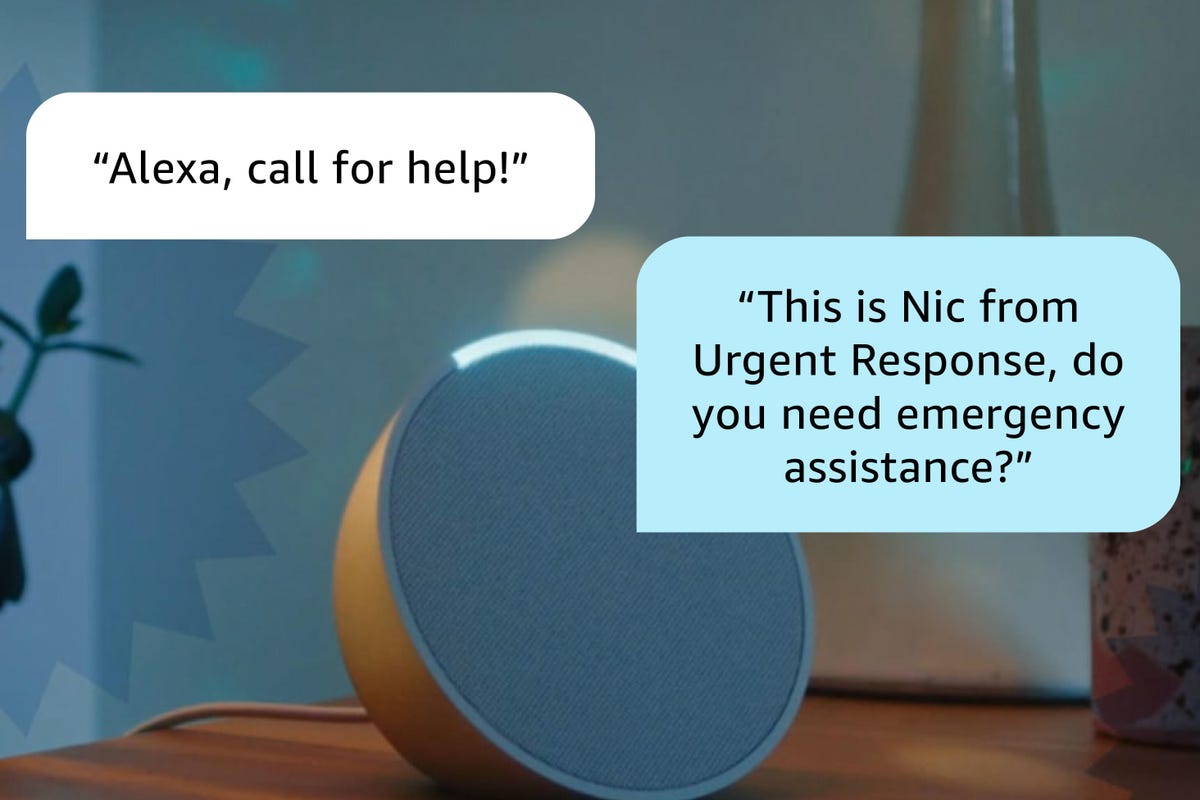
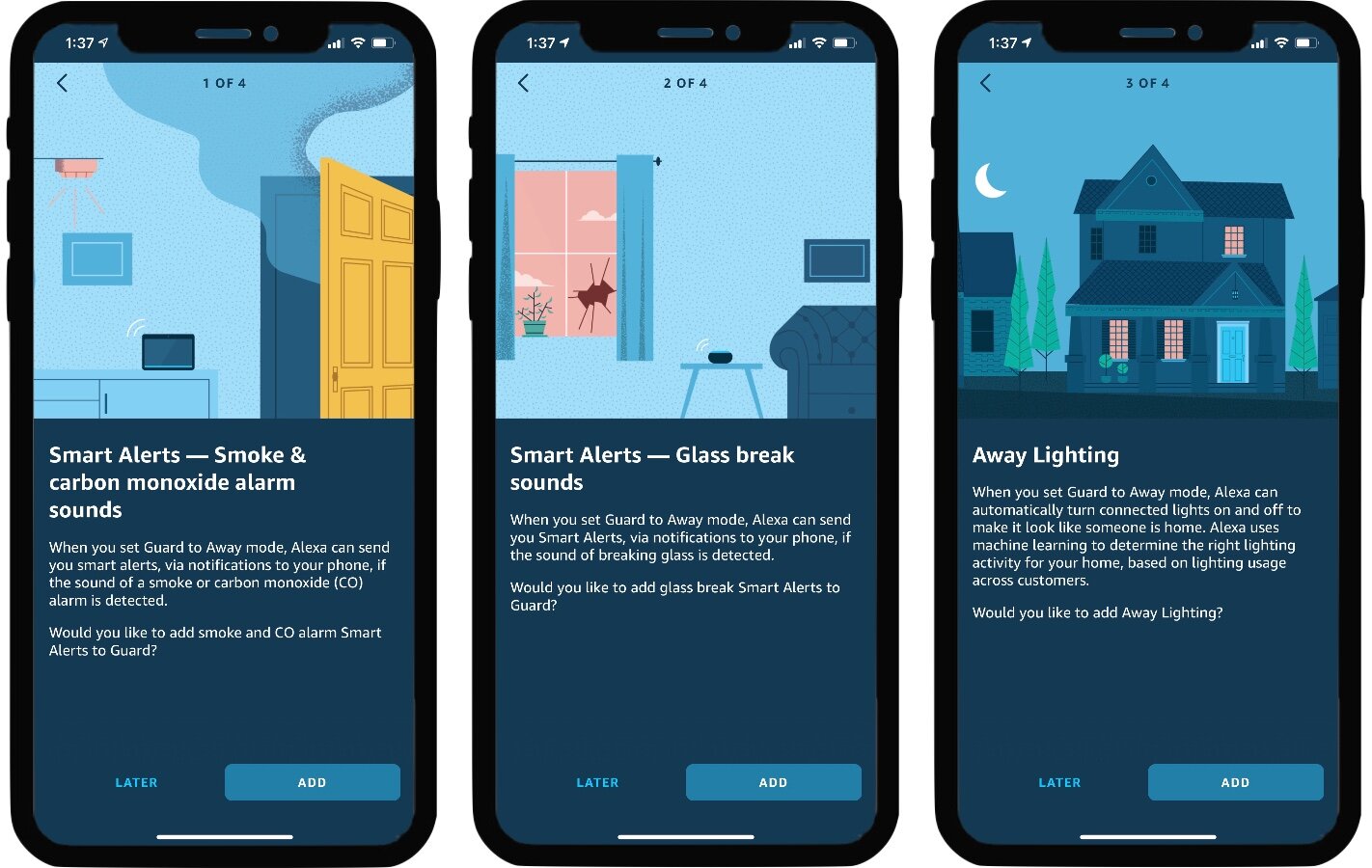
Alexa Guard is a feature that uses your Alexa device to detect unusual sounds and alert you to potential security threats. To set it up:
Enabling Alexa Guard on the Base Station
Follow these steps to enable Alexa Guard on your base station:
- Open the Resideo App.
- Select the Security card.
- Press the Settings icon in the upper right corner.
- Select Amazon Alexa.
- Click on SETUP and follow on-screen directions.
- You will need to know your Amazon account information.
- Press DONE.
Operating Your Security System with Alexa
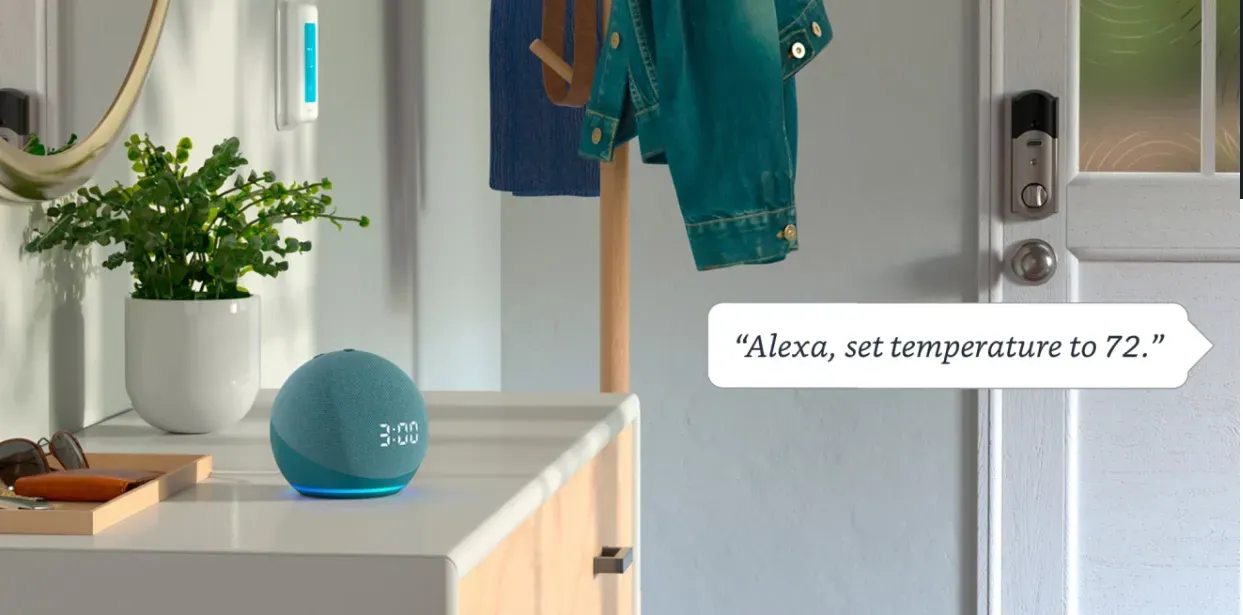
With Alexa, you can control your security system with voice commands, making it easier to manage your home's security features. Some examples of voice commands include:
- "Alexa, turn on my security system."
- "Alexa, disarm my security system."
- "Alexa, show me the live feed of my security cameras."
Benefits of Setting Up Alexa with Your Home Security System
Setting up Alexa with your home security system offers numerous benefits, including:
- Convenience: Control your security system with just your voice, eliminating the need to physically interact with devices.
- Peace of mind: Receive real-time alerts and updates on your security system's status.
- Enhanced security: Take advantage of advanced security features, such as motion detection and alerts.
Conclusion
With these steps, you've successfully set up Alexa with your home security system, enhancing your home's security and convenience. Remember to always ensure compatibility, connect your security devices, and sync your account with Alexa for a seamless experience.