Protecting WiFi Network from Brute Force Attacks
In the realm of cybersecurity, brute force attacks are one of the oldest and most straightforward methods used by attackers to gain unauthorized access to a system or network. In the context of wireless networks, brute force attacks are commonly employed to crack passwords and gain access to WiFi networks, especially those that rely on weak or easily guessable passwords.
Understanding Brute Force Attacks
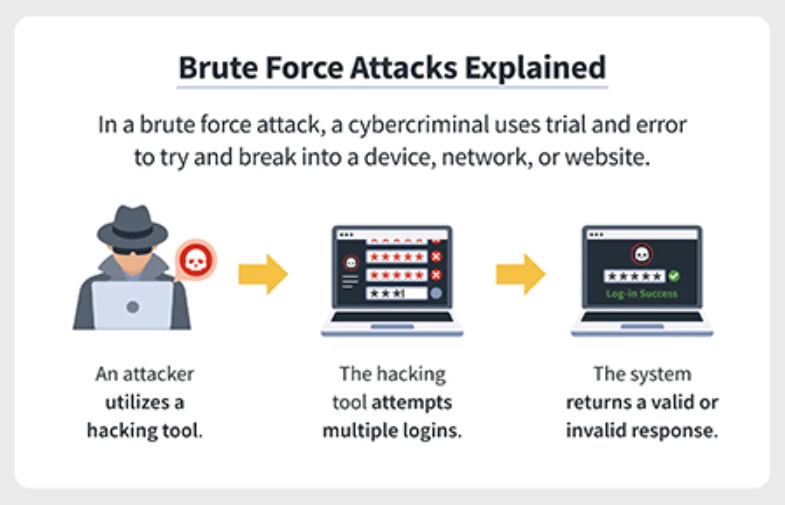
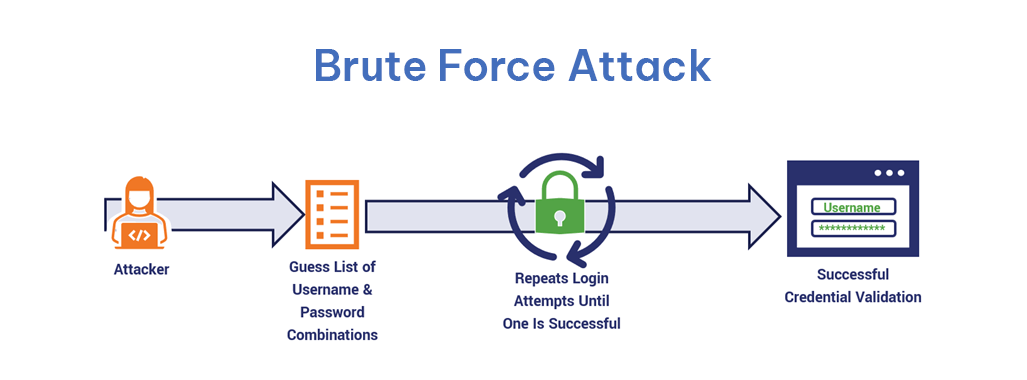
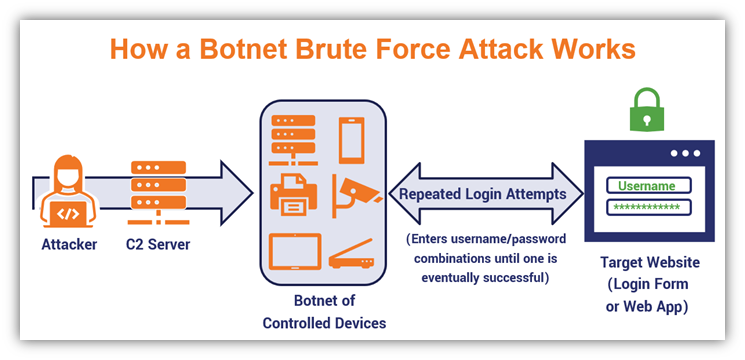
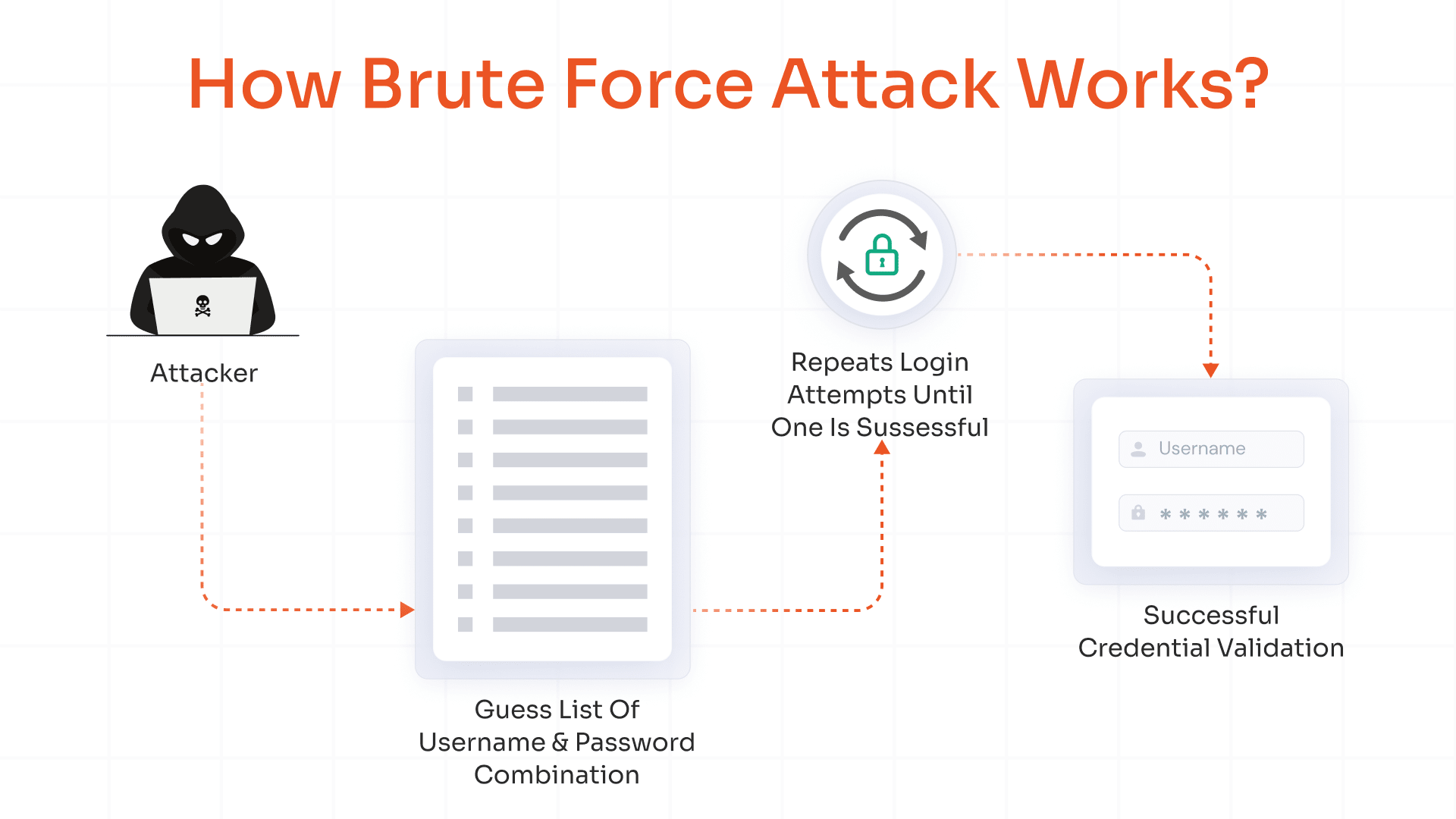
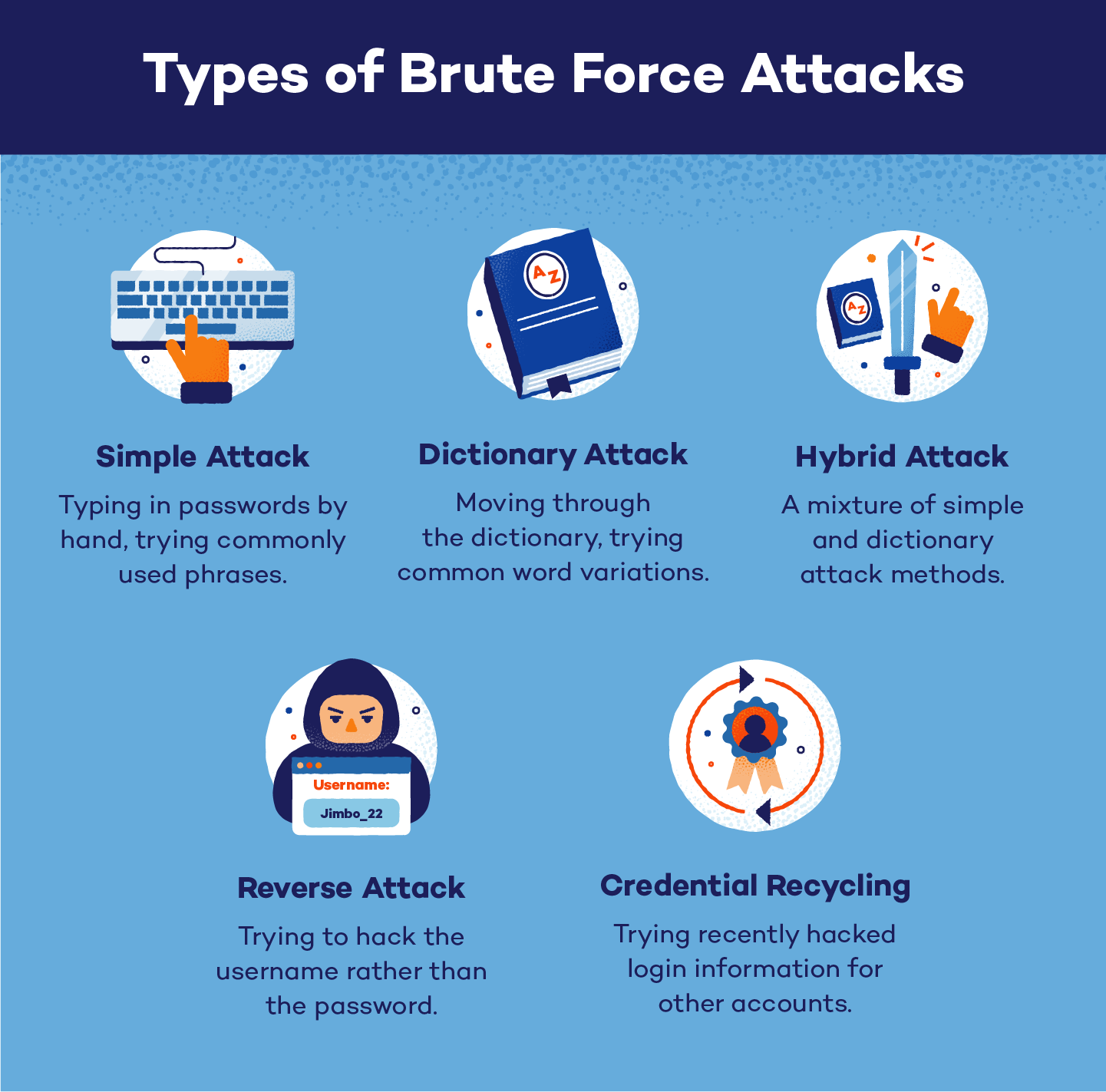
A brute force attack is a method used by hackers to try every possible combination of characters to crack a password. This type of attack is often used to gain access to a system or network, especially when the password is weak or easily guessable. Brute force attacks can be performed using a variety of tools and techniques, including dictionary attacks, which involve trying every possible combination of characters that can be found in a dictionary.
Why Weakened Passwords and Old WiFi Protocols Matter
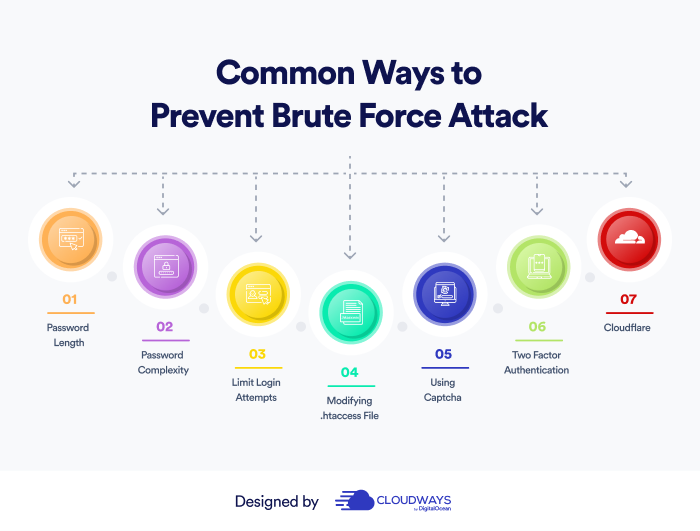
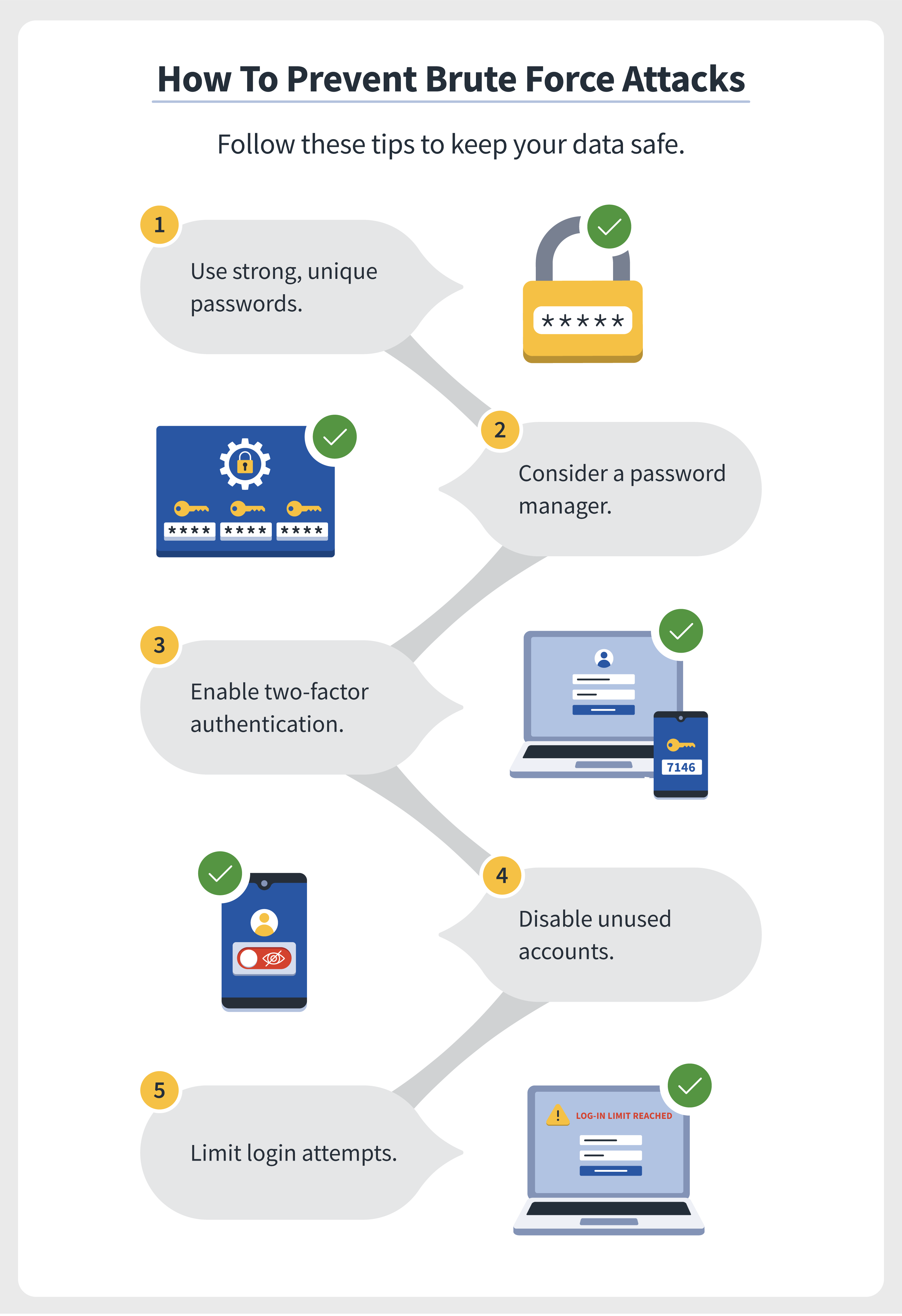
In order to protect your WiFi network from brute force attacks, it is essential to use a strong and unique password, enable network encryption such as WPA2, and regularly update your router's firmware to patch any security vulnerabilities. Weak passwords and old WiFi protocols can make it easier for hackers to launch a brute force attack and gain access to your network.
10 Practical Steps to Secure Your Router and Network
Here are 10 practical steps to secure your router and network from brute force attacks:
- Use a strong and unique password
- Enable network encryption such as WPA2
- Regularly update your router's firmware
- Disable WPS (Wi-Fi Protected Setup)
- Change the default administrator password
- Disable remote management
- Set up a guest network
- Use a VPN (Virtual Private Network)
- Regularly scan for and update your network's firmware
- Monitor your network's activity
Common Risks and Protections
As mentioned earlier, weak passwords and old WiFi protocols can make it easier for hackers to launch a brute force attack and gain access to your network. Therefore, it is essential to stay up to date with the latest security protocols and tools to keep your network secure. Some common risks and protections include:
- Use of WPA3 encryption
- Use of strong passwords and two-factor authentication
- Regular firmware updates and security patches
- Use of a VPN (Virtual Private Network)
- Monitoring of network activity
- Use of intrusion detection and prevention systems
- Use of firewalls and access control lists
Conclusion
Protecting your WiFi network from brute force attacks requires a combination of strong passwords, up-to-date security protocols, and regular firmware updates. By following the 10 practical steps outlined above, you can significantly improve the security of your network and prevent brute force attacks. Additionally, staying informed about the latest security risks and protections can help you make informed decisions about how to secure your network.
Additional Resources
Here are some additional resources that can help you learn more about protecting your WiFi network from brute force attacks:
- The details of VoIP MAX BRUTE FORCE ATTACK TOOL (LITERACY ITEMS MODEL 3): A tool that uses a combination of password guessing and brute force attacks to guess VoIP passwords. This tool has been used by cyber criminals to mop up user Account ID's
- Wi-Fi security protocols like WPA-802.1X mode and the best wireless security protocols, tools, and techniques to safeguard your network
- Other vulnerabilities associated with older models of Linksys routers, which can be targeted by cyber criminals using Llinksys disliked by its vulnerability