How To Protect Computer From Ransomware
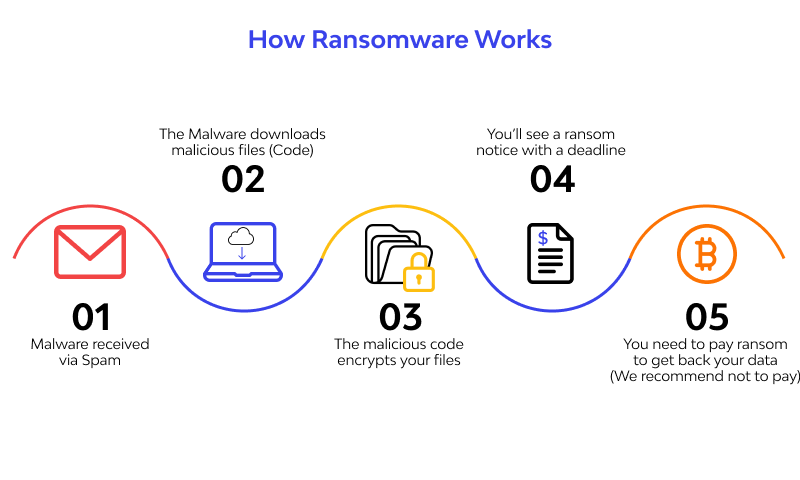
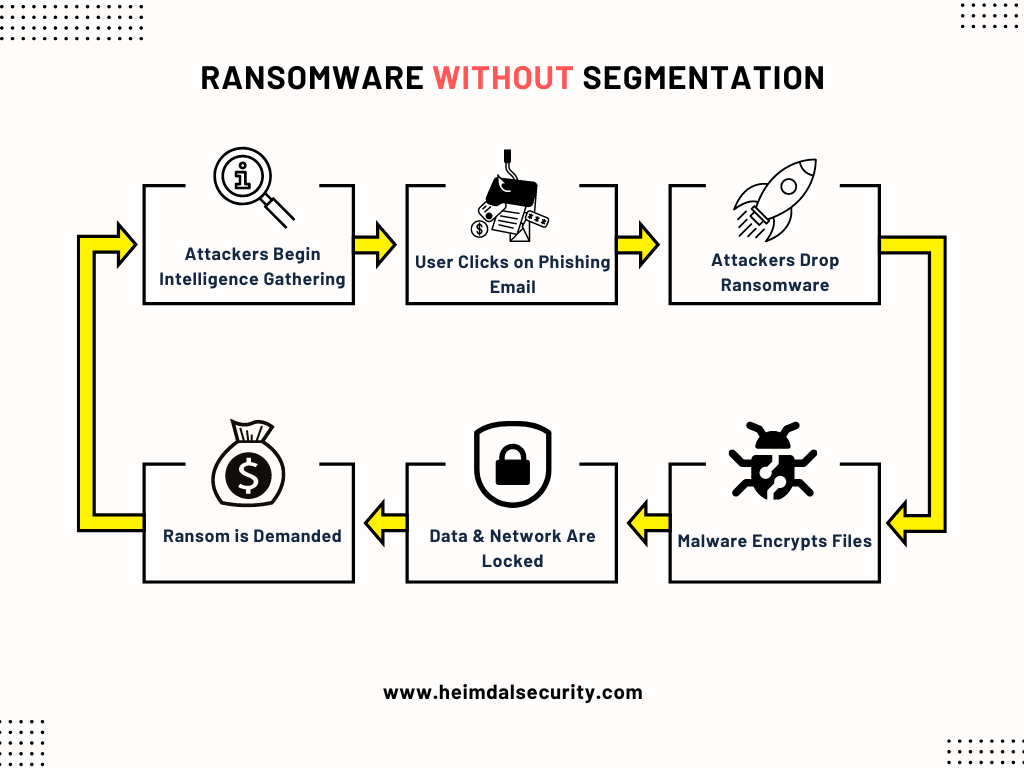
Ransomware is a type of malicious software that encrypts your files or stops you from using your computer until you pay money (a ransom) for them to be unlocked. If your computer is connected to a network, the ransomware may also spread to other computers or storage devices on the network.
Understanding Ransomware
Ransomware is a sophisticated type of malware that can infect a computer and subsequently hold sensitive data or personally identifiable information (PII) hostage until a fee, or "ransom" is paid. Cybercriminals often use a binary encryption key to restrict data access to extort money from victims.
Why Ransomware is a Growing Threat
Ransomware has become a prevalent cybercrime in the past 10 years, and it's not going away anytime soon. According to recent statistics, ransomware attacks have increased significantly, with many organizations and individuals falling victim to this malicious software. This is why it's essential to learn how to protect your computer from ransomware.
How to Protect Your Computer from Ransomware
1. Implement Basic Security Best Practices
Implementing basic security best practices is a fundamental step in protecting your computer from ransomware. This includes:
- Strong authentication and password protection
- Up-to-date operating system and software
- Regular software updates and patches
- Network security measures, such as firewalls
2. Use Strong Malware Protection
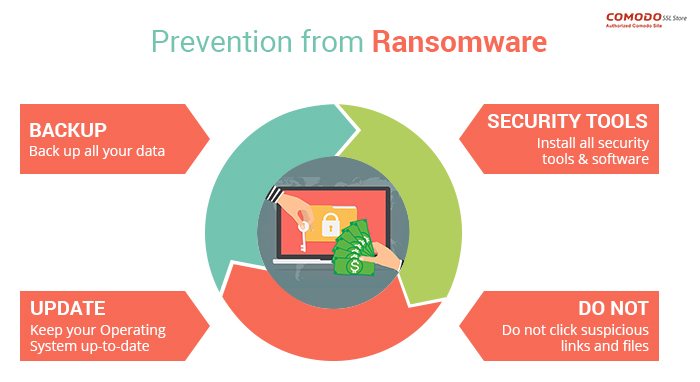
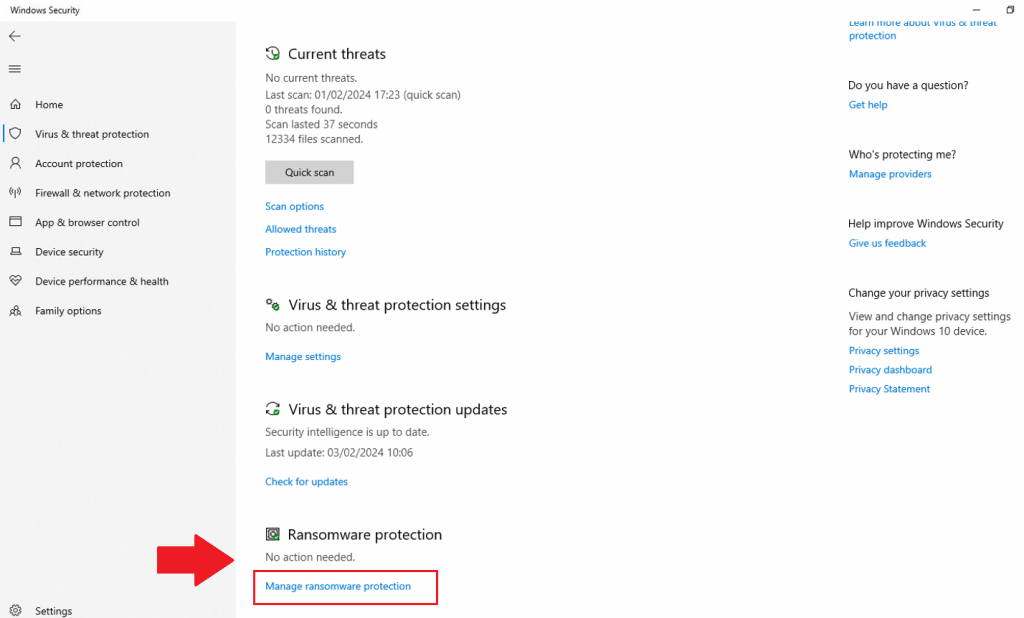
Strong malware protection is essential in preventing ransomware attacks. Look for antivirus software that offers real-time protection, scheduled scans, and phishing protection. Regularly update your antivirus software to ensure you have the latest threat detection and removal tools.
3. Back Up Your Data
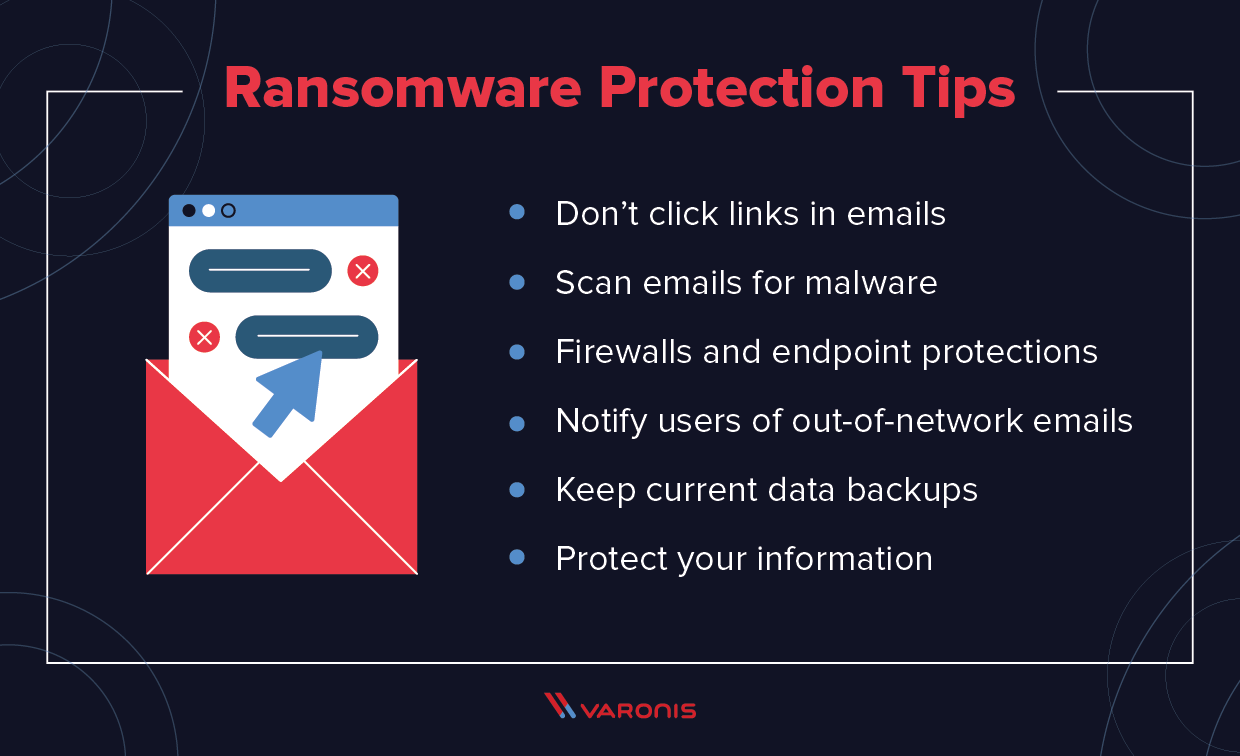
Back up your data regularly to a secured cloud service or external hard drive. This will ensure that even in case of a successful ransomware attack, you can recover your data from the backup. Consider using cloud-based backup services like Microsoft OneDrive, Google Drive, or Dropbox.
4. Educate Yourself and Others
Education is key in preventing ransomware attacks. Learn about the different types of ransomware, how they work, and how to identify them. Educate yourself and others about ransomware and the importance of basic security best practices.
5. Use Advanced Anti-Ransomware Tools
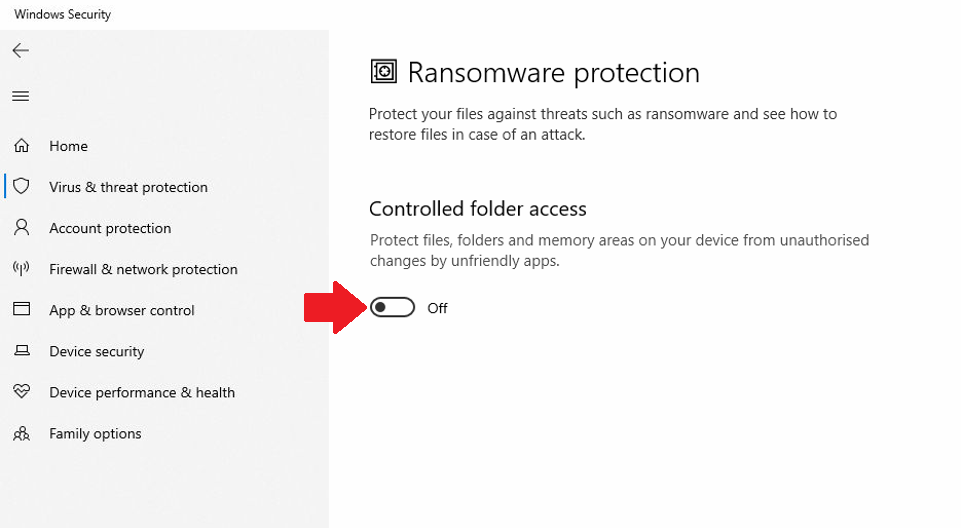
Consider using advanced anti-ransomware tools that can detect and prevent ransomware attacks. These tools can help identify and block suspicious activity, including unauthorized file access and encryption.
6. Stay Informed and Stay Safe
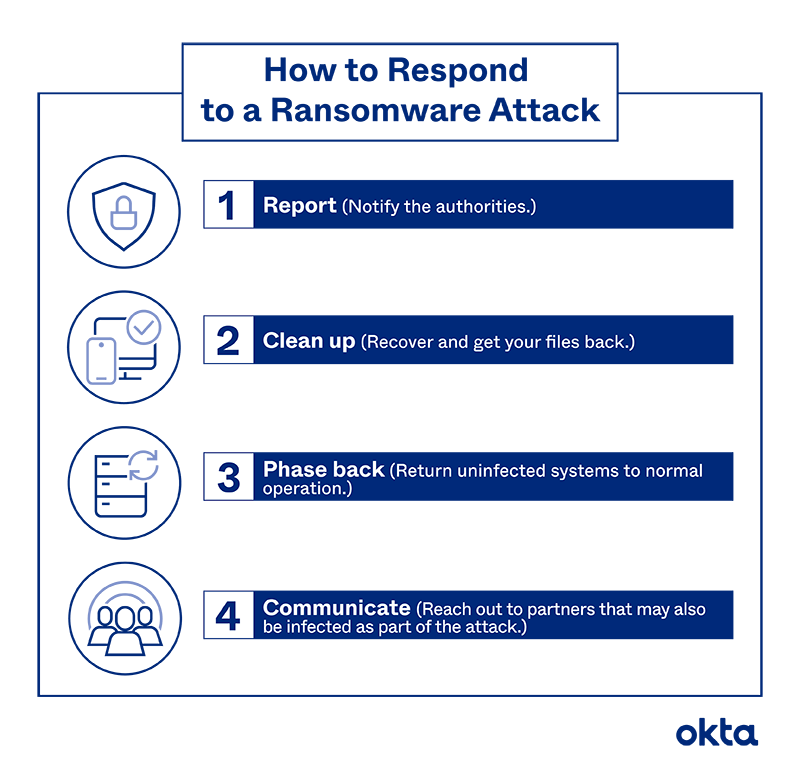
Stay informed about the latest ransomware attacks and security threats. Keep your operating system, software, and antivirus up to date. Use strong passwords and two-factor authentication to protect your accounts. Report any suspicious activity to your IT department or cybercrime authorities.
Conclusion
Protecting your computer from ransomware requires a combination of education, awareness, and proper security measures. By implementing basic security best practices, using strong malware protection, backing up your data, educating yourself and others, using advanced anti-ransomware tools, and staying informed, you can significantly reduce the risk of falling victim to a ransomware attack.
Additional Resources
For more information on how to protect your computer from ransomware, refer to the following resources:
- The Cybersecurity and Infrastructure Security Agency (CISA) offers several no-cost resources to help you take a proactive approach to protecting your organization against ransomware.
- Learn how to prevent ransomware attacks, protect data, and respond effectively with tips on mitigation, backups, and cybersecurity tools.
- Avoid opening unverified files or visiting unknown websites, and do not pay any ransom if you do get infected, as recommended by the FBI.