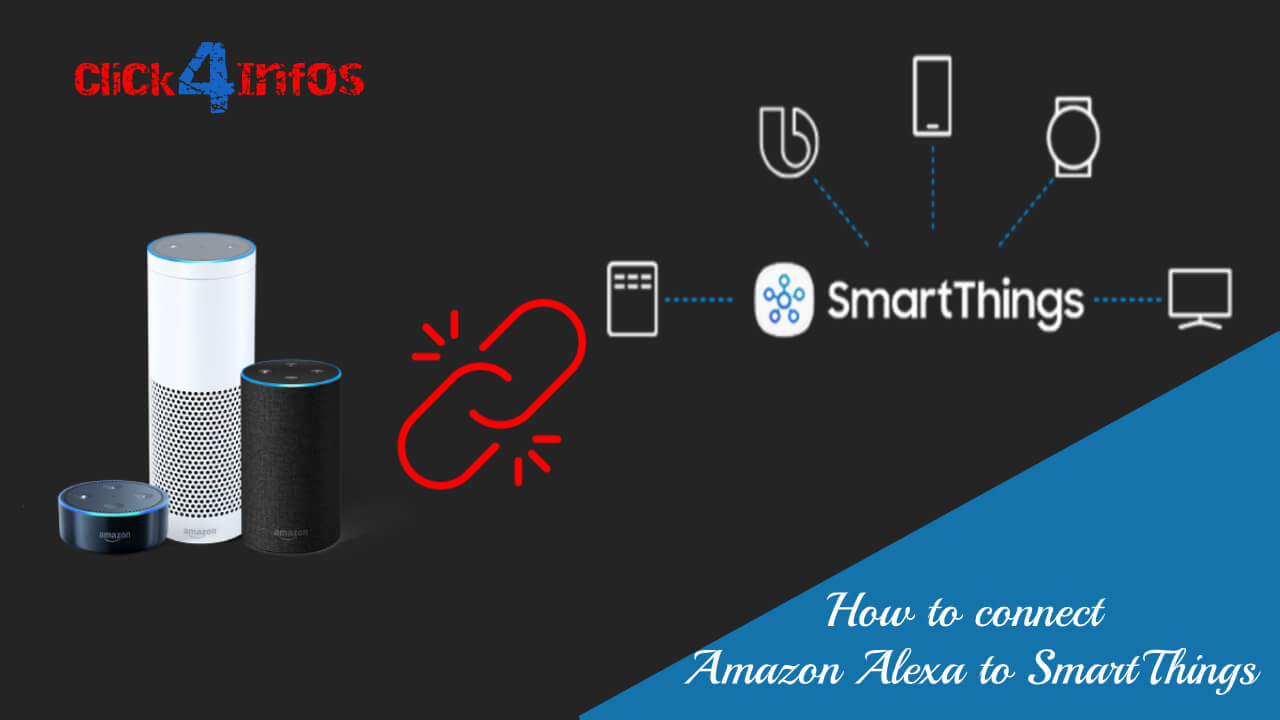
Connection Alexa to a Samsung SmartThings Hub: A Comprehensive Guide
Are you looking to elevate your smart home experience by connecting your Samsung SmartThings devices to your Alexa ecosystem? In this article, we will walk you through the process step-by-step, enabling you to seamlessly control your smart home with voice commands.
Introduction to SmartThings and Alexa
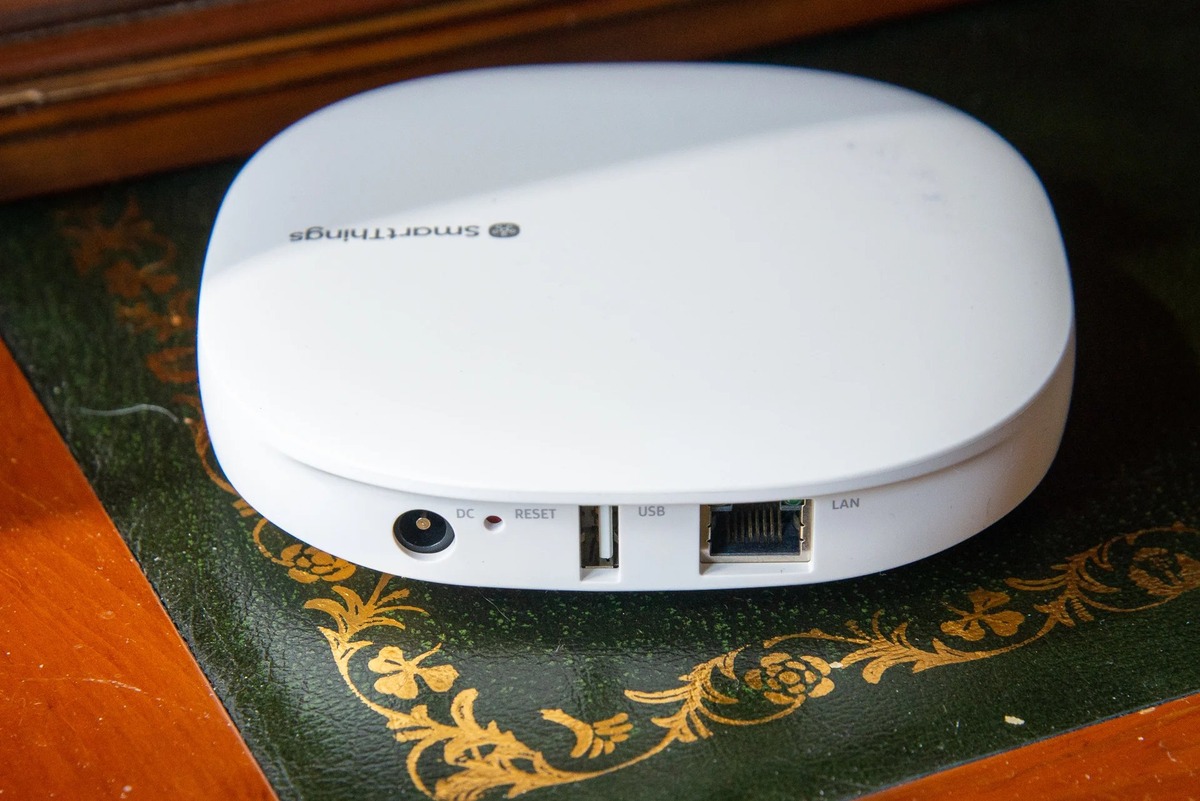
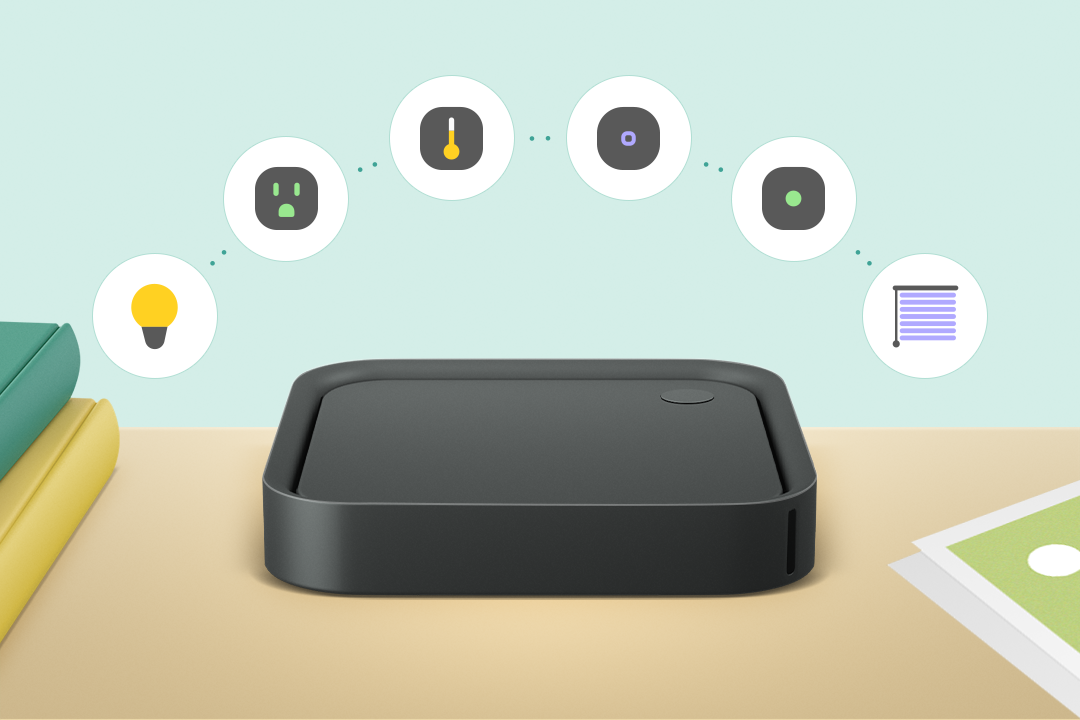
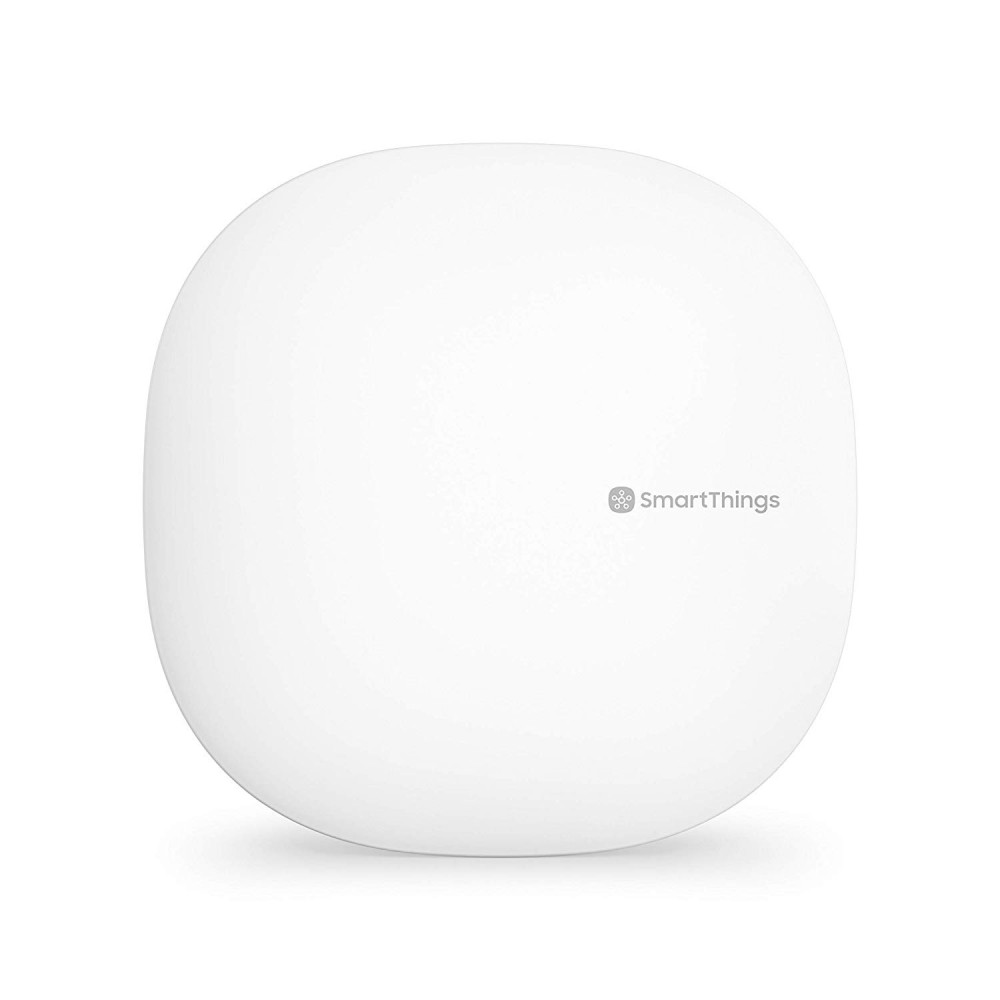
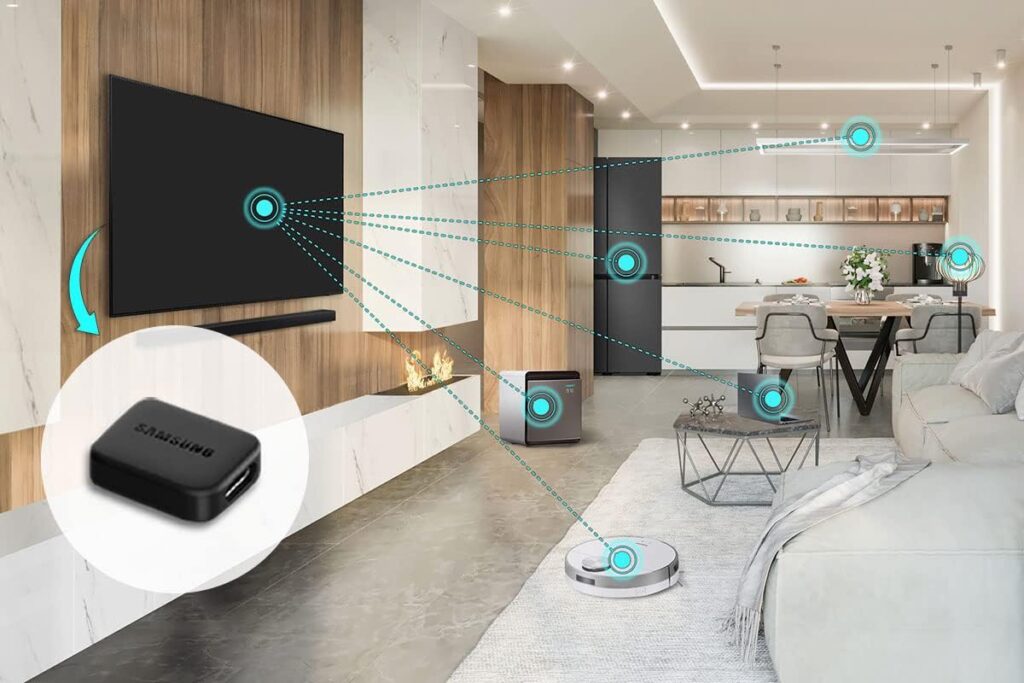
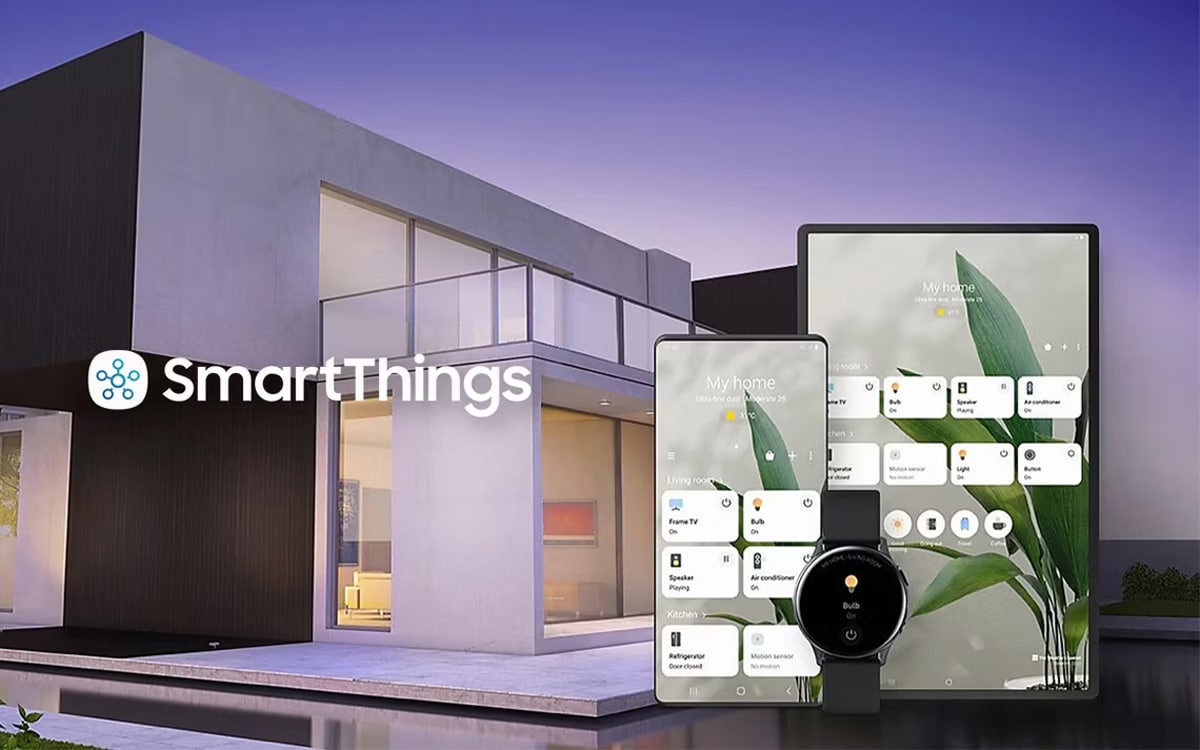
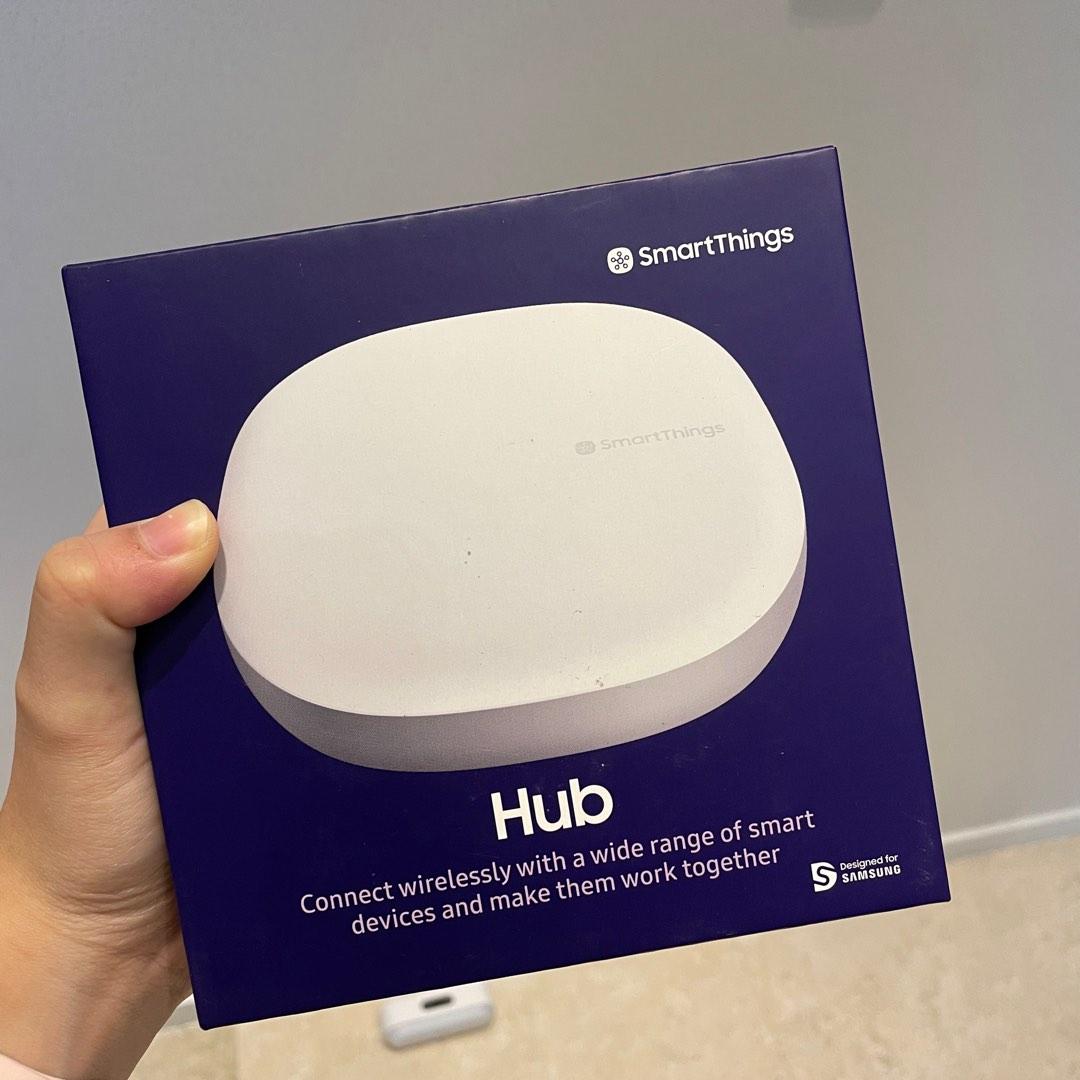
Samsung's SmartThings platform serves as a central hub for numerous smart home devices, enabling users to connect and control different technologies. SmartThings supports a wide array of devices, including lights, locks, thermostats, and even Samsung's own appliances. Meanwhile, Amazon's Alexa is a popular voice assistant that can be integrated with various smart devices to provide a seamless user experience.
Why Connect Alexa to a Samsung SmartThings Hub?
Connecting Alexa to a Samsung SmartThings hub offers several benefits, including:
- Seamless integration: SmartThings devices can be easily integrated with Alexa, allowing for voice control and automation of various smart devices.
- Enhanced convenience: With Alexa, you can control your smart home devices using simple voice commands, making it easier to manage your home.
- Increased compatibility: SmartThings supports a wide range of devices, and with Alexa integration, you can control devices from different manufacturers using a single interface.
Step-by-Step Connection Guide
To connect your Samsung SmartThings hub to Alexa, follow these steps:
- Open the Alexa app on your smartphone or tablet and navigate to the "Skills & Games" section.
- Search for the SmartThings skill and select it to enable it.
- Log in to your SmartThings account to link your account to Alexa.
- Authorize Alexa to access your SmartThings devices.
- Once connected, you can control your SmartThings devices using Alexa voice commands.
Troubleshooting Common Issues

While connecting Alexa to a Samsung SmartThings hub is relatively straightforward, you may encounter some issues. Here are some common problems and their solutions:
- Issue: SmartThings devices not discovered Solution: Check that your SmartThings devices are properly configured and linked to your SmartThings hub.
- Issue: Alexa not recognizing SmartThings devices Solution: Ensure that the SmartThings skill is enabled in the Alexa app and that your SmartThings devices are linked to Alexa.
- Issue: Voice commands not working Solution: Check that your Alexa device is properly connected to your Wi-Fi network and that the SmartThings skill is enabled.
Advanced Features and Customization
Once you've connected your Samsung SmartThings hub to Alexa, you can explore advanced features and customization options:
- Routines: Create custom routines that combine multiple actions into a single voice command.
- Automation: Set up automation rules to control your smart devices based on specific conditions.
- Skills: Discover and enable new skills to enhance your smart home experience.
Conclusion
Connecting Alexa to a Samsung SmartThings hub offers a seamless and convenient way to control your smart home devices using voice commands. By following the step-by-step guide and troubleshooting common issues, you can unlock the full potential of your smart home and enjoy a more intuitive and efficient experience.
Additional Resources
For more information on connecting Alexa to a Samsung SmartThings hub, check out the following resources:
- Samsung SmartThings Website: Learn more about the SmartThings platform and its features.
- Alexa Website: Explore the Alexa website for more information on skills, routines, and automation.
- SmartThings Community Forum: Join the SmartThings community forum to ask questions and share your experiences.