Blue Light Blocking Software: A Comprehensive Guide
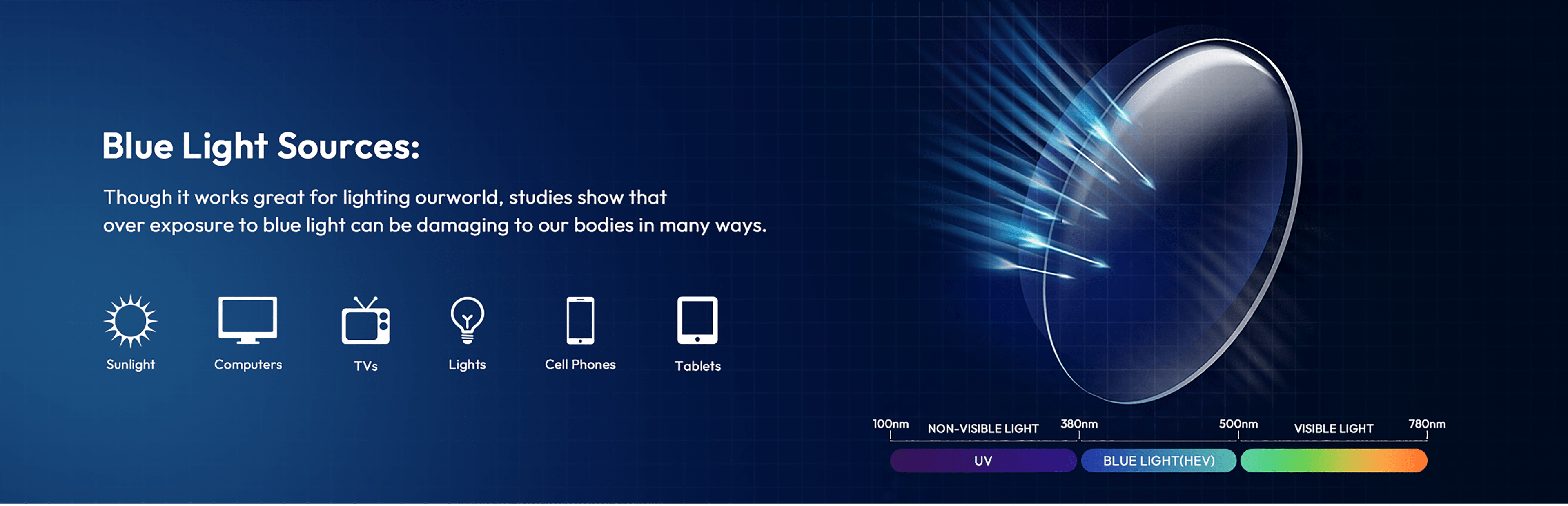
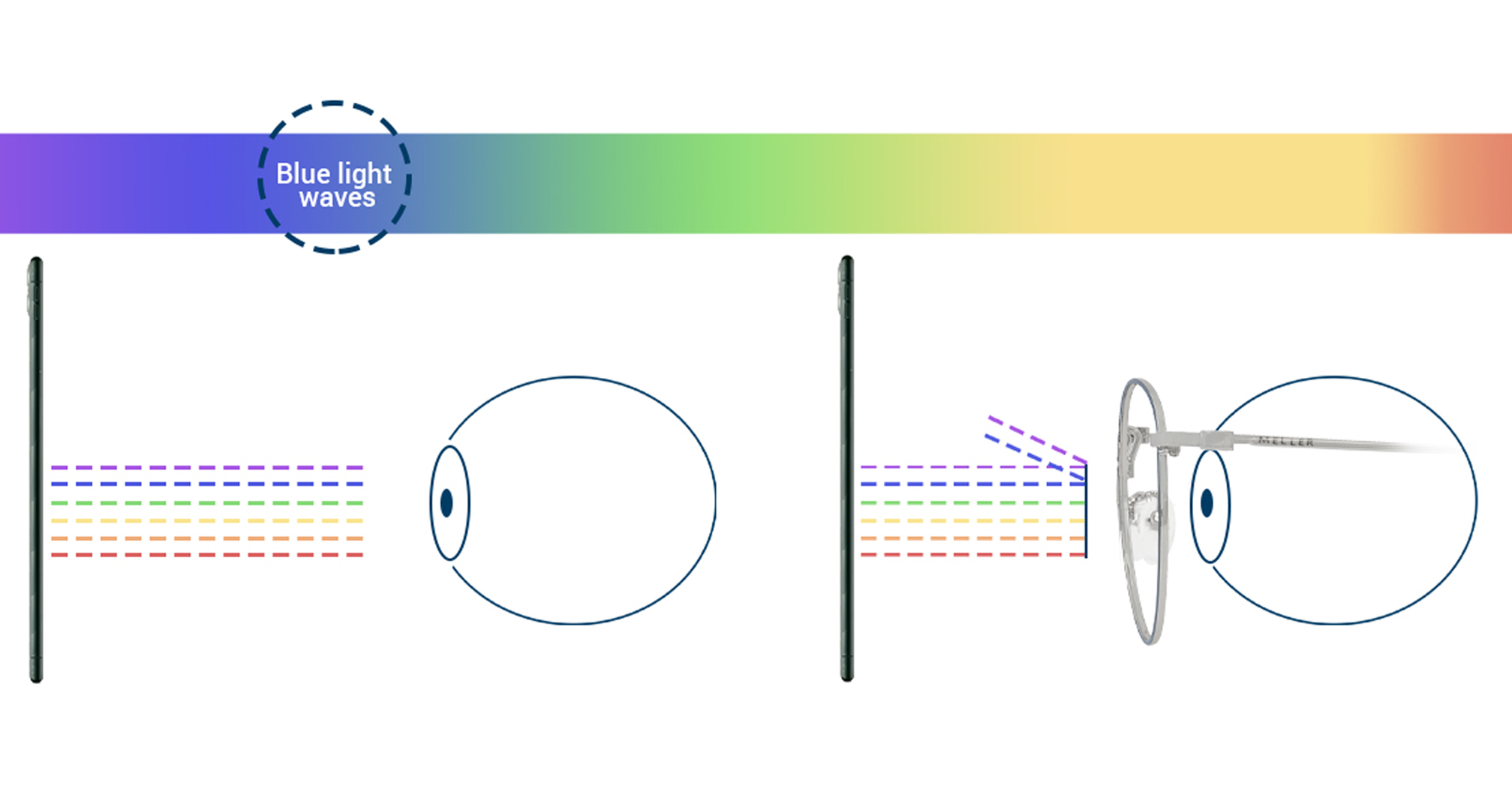
Are you aware of the potential harm that blue light emitted by digital devices can cause to your eyes and overall health? Blue light, also known as high-energy visible (HEV) light, has a wavelength of around 400-450 nanometers and is a well-known contributor to eye strain, disrupted sleep patterns, and other health issues. Fortunately, there are various solutions available to help mitigate the effects of blue light, including blue light blocking software.
What is Blue Light Blocking Software?
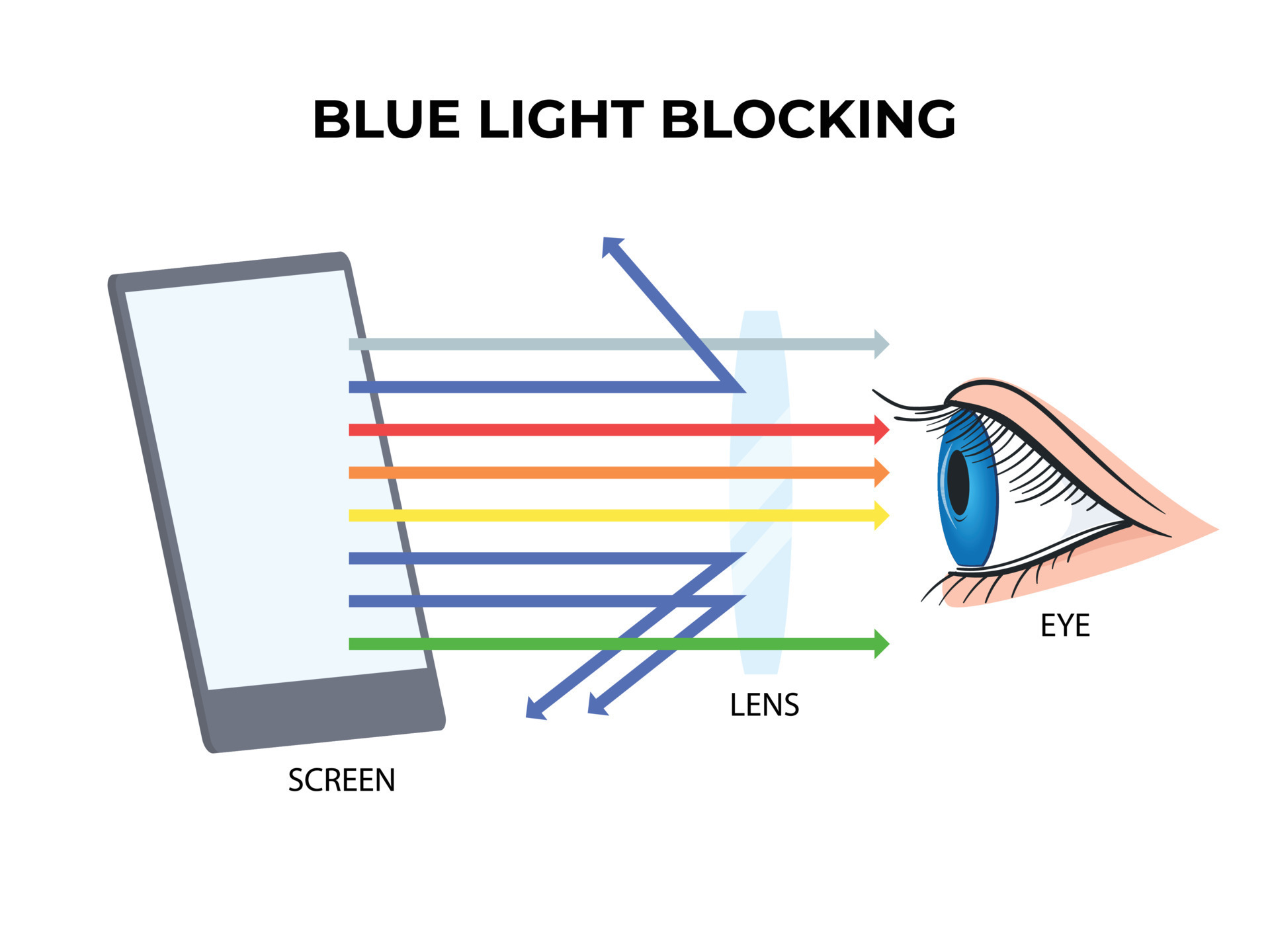
Blue light blocking software is a computer program designed to reduce the amount of blue light emitted by digital devices, including computers, smartphones, and tablets. These programs utilize various methods to block or filter out blue light, such as adjusting the color temperature of the display, reducing the intensity of the screen, or using other techniques to minimize the amount of blue light emitted.
Benefits of Blue Light Blocking Software
- Reduces eye strain and fatigue: By reducing the amount of blue light emitted, blue light blocking software can help minimize eye strain and fatigue, making it easier to use digital devices for extended periods.
- Improves sleep quality: Exposure to blue light in the evening can suppress the production of melatonin, the hormone responsible for regulating sleep-wake cycles. Blue light blocking software can help reduce this effect and promote better sleep quality.
- Boosts productivity: By reducing eye strain and improving sleep quality, blue light blocking software can help increase productivity and overall well-being.
- Protects eye health: Prolonged exposure to blue light has been linked to an increased risk of macular degeneration and other eye problems. Blue light blocking software can help reduce this risk.
Best Blue Light Blocking Software Options
There are several blue light blocking software options available for Windows, Mac, and Linux devices. Some of the most popular options include:

- Iris: A comprehensive blue light filtering software that adjusts the color temperature of the display to reduce blue light emission.
- f.lux: A popular blue light filtering software that adjusts the color temperature of the display to reduce blue light emission and promote better sleep.
- Redshift: A free blue light filtering software that adjusts the color temperature of the display to reduce blue light emission and promote better sleep.
- Twinkle Tray: A simple blue light filtering software that adjusts the color temperature of the display to reduce blue light emission.
How to Choose the Right Blue Light Blocking Software
When selecting blue light blocking software, consider the following factors:
- Effectiveness:** Look for software that reduces blue light emission by at least 90%.
- Customization:** Choose software that allows you to adjust the color temperature and brightness to suit your needs.
- Interface:** Select software with an intuitive interface that is easy to use.
- Compatibility:** Ensure the software is compatible with your device and operating system.
Conclusion
Blue light blocking software is a valuable tool for reducing eye strain, improving sleep quality, and promoting overall health. By selecting the right software and adjusting its settings to meet your needs, you can minimize the negative effects of blue light emitted by digital devices. Remember to choose software that effectively reduces blue light emission, is customizable, and has an intuitive interface. With blue light blocking software, you can enjoy a healthier, more productive, and more comfortable experience when using digital devices.