Best Way to Secure a Router: Protect Your Home Network from Hackers
As the gatekeeper of your home network, your router is a crucial component of your digital security. However, many people don't realize the importance of securing their router, leaving it vulnerable to attacks from cybercriminals. In this article, we'll explore the best way to secure a router and provide you with tips to protect your home network from hackers.
Why is Router Security Important?
Your router is the central point of your home network, acting as a gateway between your devices and the internet. It controls who can access your network and protects your devices from external threats. If you don't secure your router, you risk exposing your sensitive data to hackers, which can lead to identity theft, financial loss, and compromised network security.
8 Essential Tips to Secure Your Router
1. Disable Remote Access
Most routers offer a web interface that allows you to configure your network settings remotely. While convenient, this feature also poses a security risk if you don't disable remote access. Hackers can gain access to your router and take control of your network. To stay safe, disable remote access and only use the local admin interface.
2. Store Your Router in a Secure Location
Storing your router in a secure physical location is crucial. Anyone with physical access to your router can perform a factory reset and gain access to your network. Keep your router in a safe and secure location to prevent unauthorized access.
3. Enable a Guest Network
Many routers come with a "Guest" Wi-Fi option, which isolates guest devices from the main network. Enable this feature to prevent hackers from accessing your main network.
4. Use Strong Passwords
Use strong and unique passwords for your router and any connected devices. A strong password is a combination of letters, numbers, and symbols that can't be easily guessed.
5. Update Firmware Regularly
Regularly update your router's firmware to ensure you have the latest security patches and features. This will help protect your network from known vulnerabilities.
6. Enable MAC Address Filtering
MAC address filtering prevents devices with unknown MAC addresses from accessing your network. Enable this feature to add an extra layer of security to your network.
7. Use WPA3 Encryption
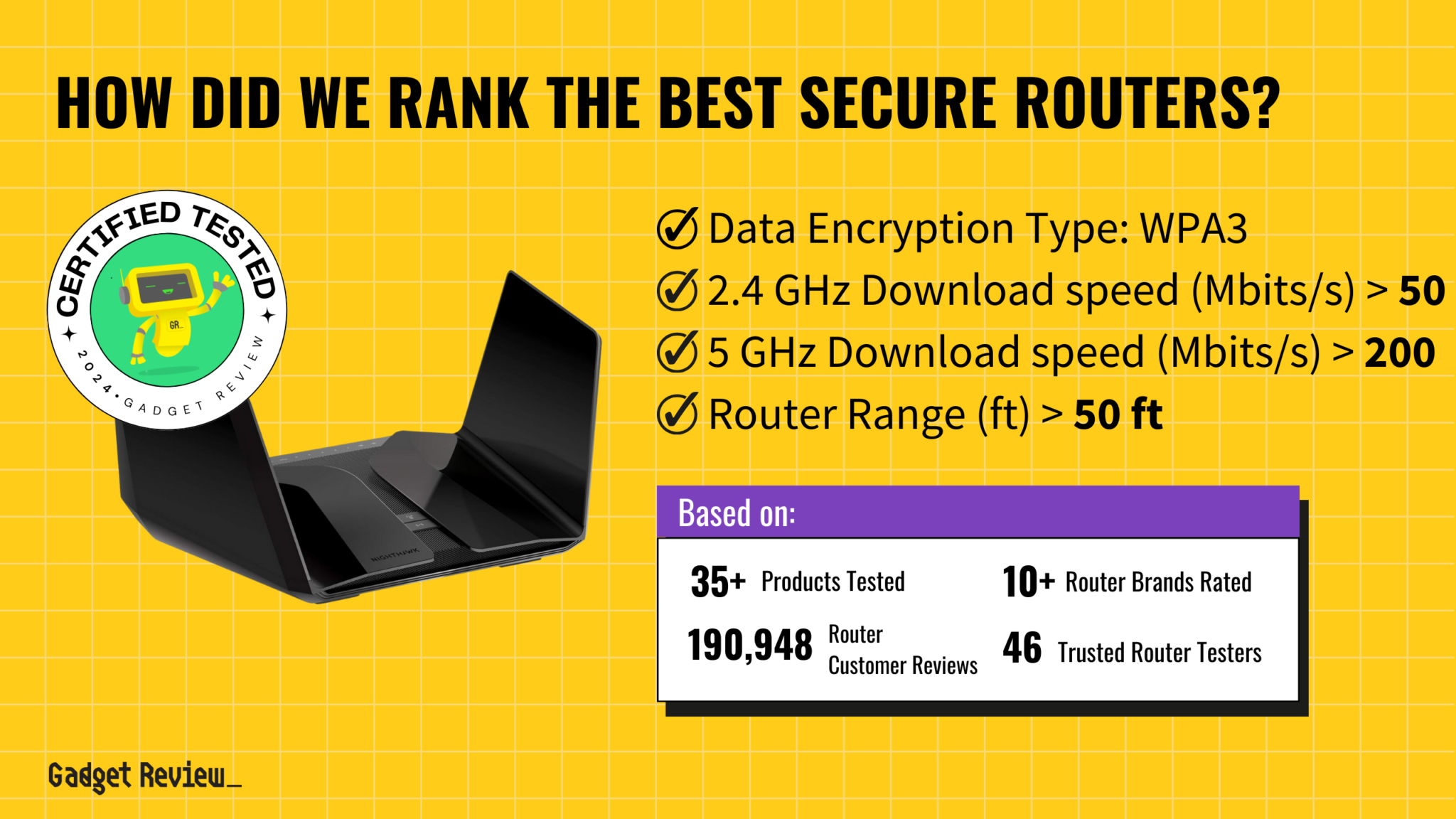
WPA3 is the latest encryption standard, offering stronger security than its predecessors. Ensure your router supports WPA3 encryption and use it to secure your network.
8. Regularly Back Up Your Network Configuration
Regularly back up your network configuration to prevent data loss in case of a factory reset or router failure.
Consequences of an Insecure Router
Ignoring router security can have severe consequences, including:
- Identity theft
- Financial loss
- Compromised network security
- Malware infections
Conclusion
Securing your router is a critical aspect of protecting your home network from hackers and cyber threats. By following these 8 essential tips, you can significantly improve your router's security and keep your sensitive data safe.