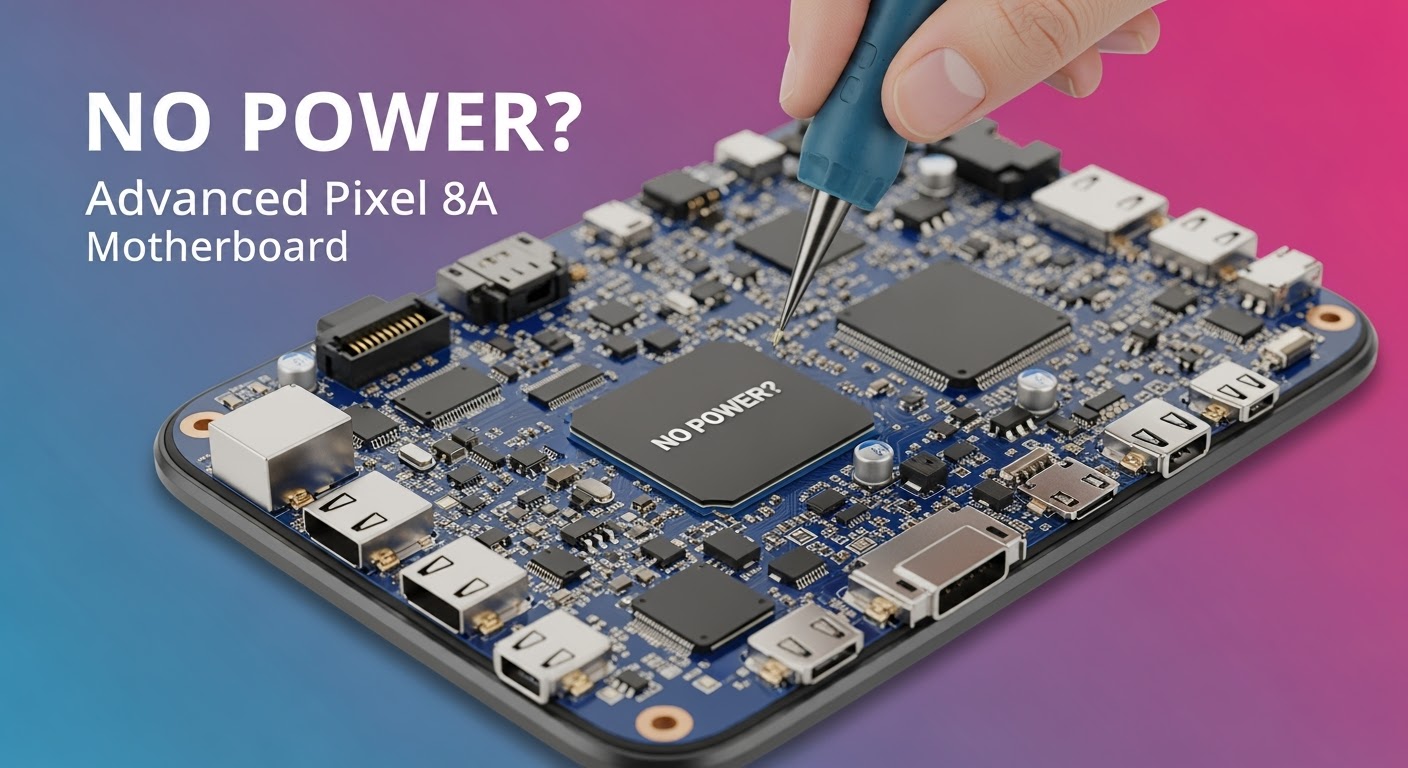
Motherboard Repair Techniques: A Comprehensive Guide
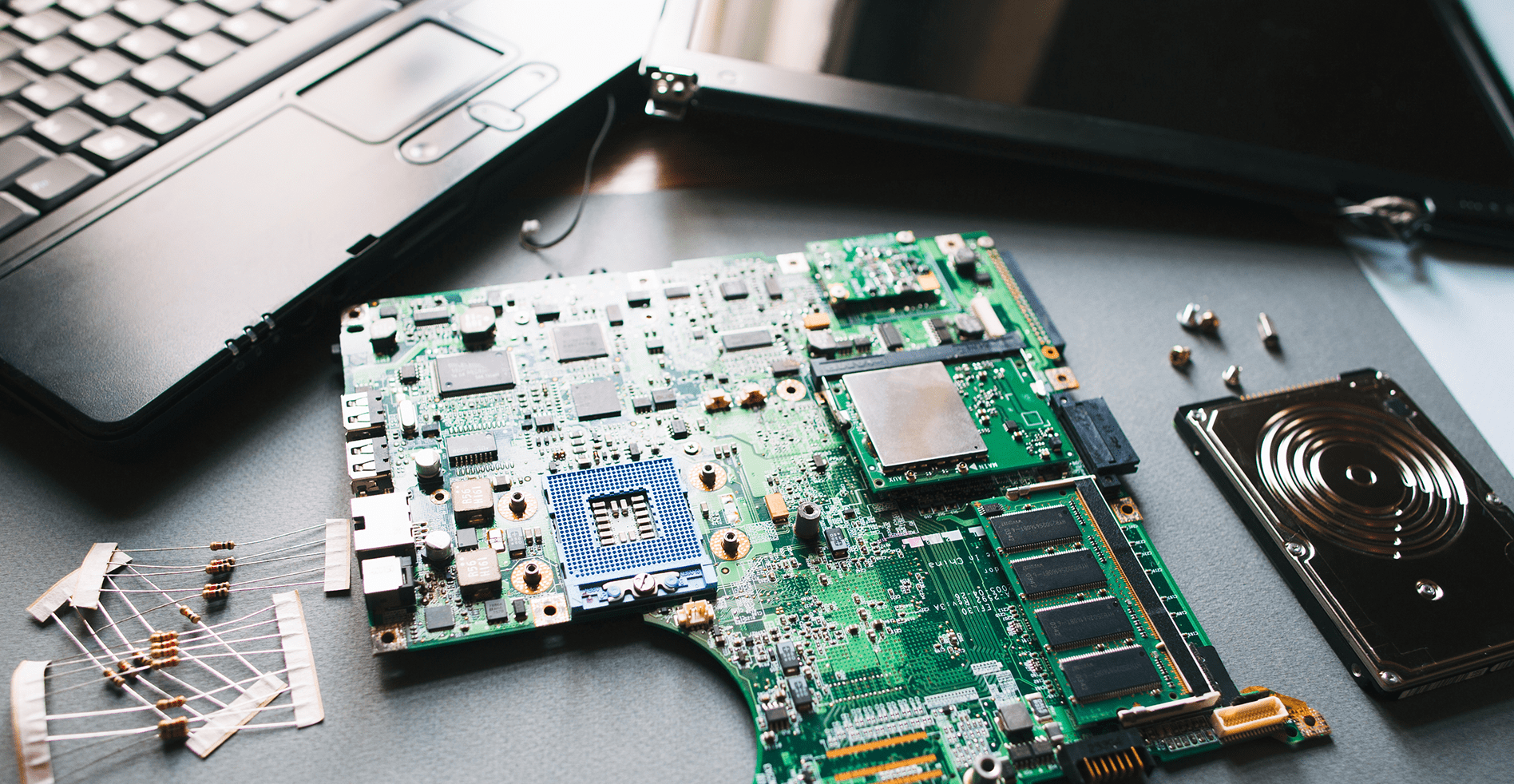
When dealing with a faulty computer or laptop, the motherboards are often to blame. Troubleshooting and repairing a motherboard can seem like a daunting task, but with the right techniques and knowledge, it can be done efficiently.
Sources of Motherboard Failure
Before we dive into motherboard repair techniques, let's briefly discuss the sources of motherboard failure:
- Overheating: Thermal damage can cause motherboards to malfunction or fail completely.
- Power issues: Power surges or voltage fluctuations can damage the motherboard's components, leading to failure.
- Physical damage: Drops, spills, or electrical surges can cause physical damage to the motherboard.
- Component failure: Individual components, such as capacitors or resistors, can fail due to wear and tear or manufacturing defects.
Identifying Symptoms of a Faulty Motherboard
Recognizing the symptoms of a faulty motherboard is crucial for accurate diagnosis and prompt repair. Some common signs include:
- Random shutdowns or system crashes
- Beeping or unusual sounds from the computer
- .screen flickering or distortion
- Failure to boot
Step-by-Step Motherboard Repair Techniques
Diagnostics and Troubleshooting
To diagnose motherboard issues, follow these steps:
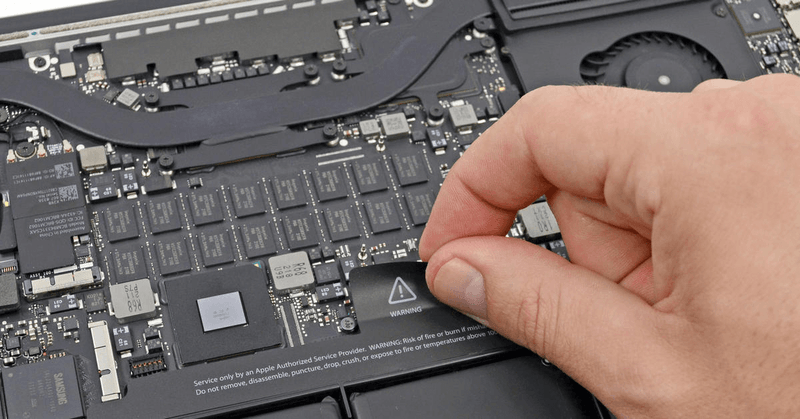
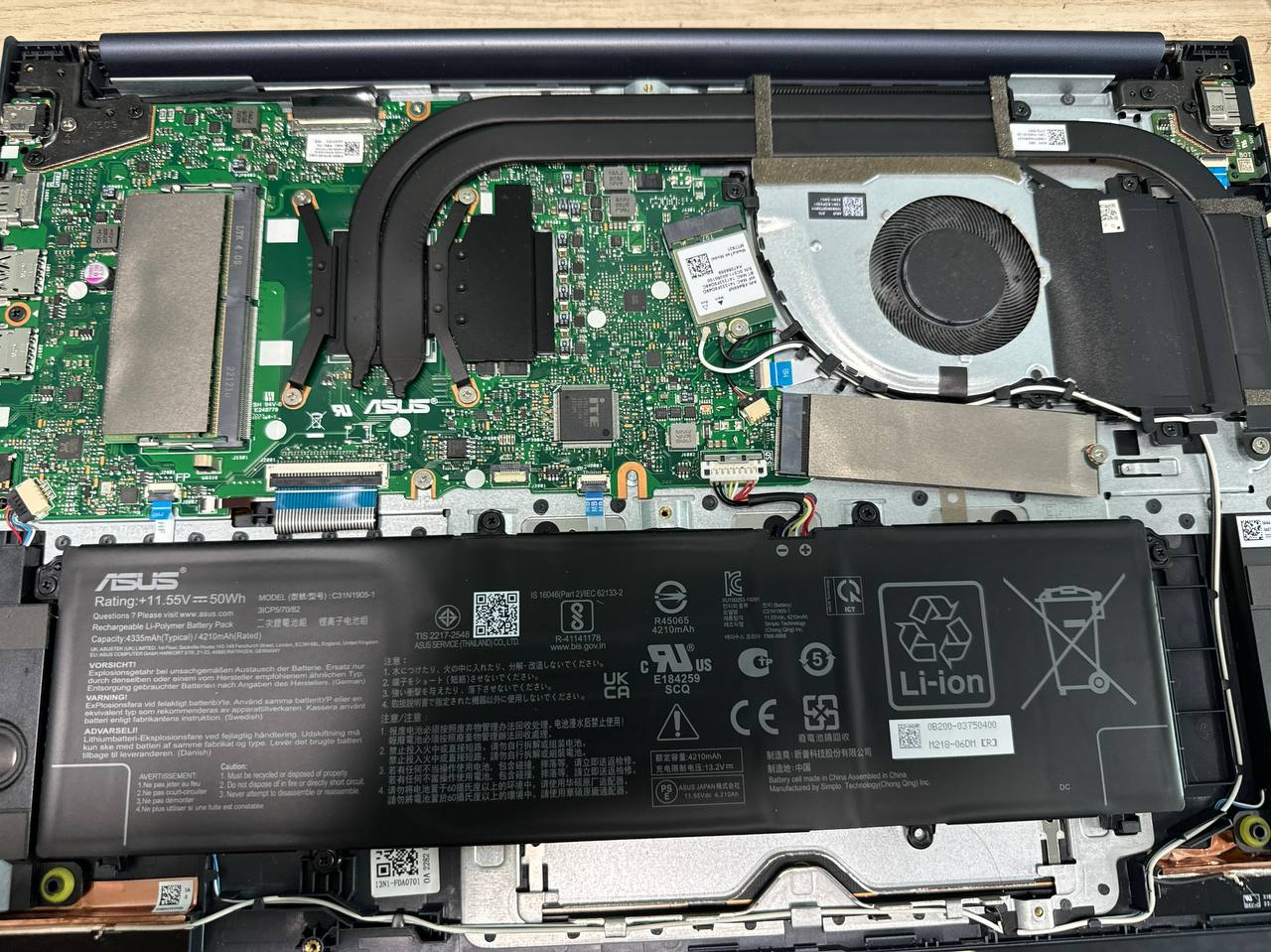
- Visual inspection: Check for any visible signs of physical damage, such as burn marks or broken components.
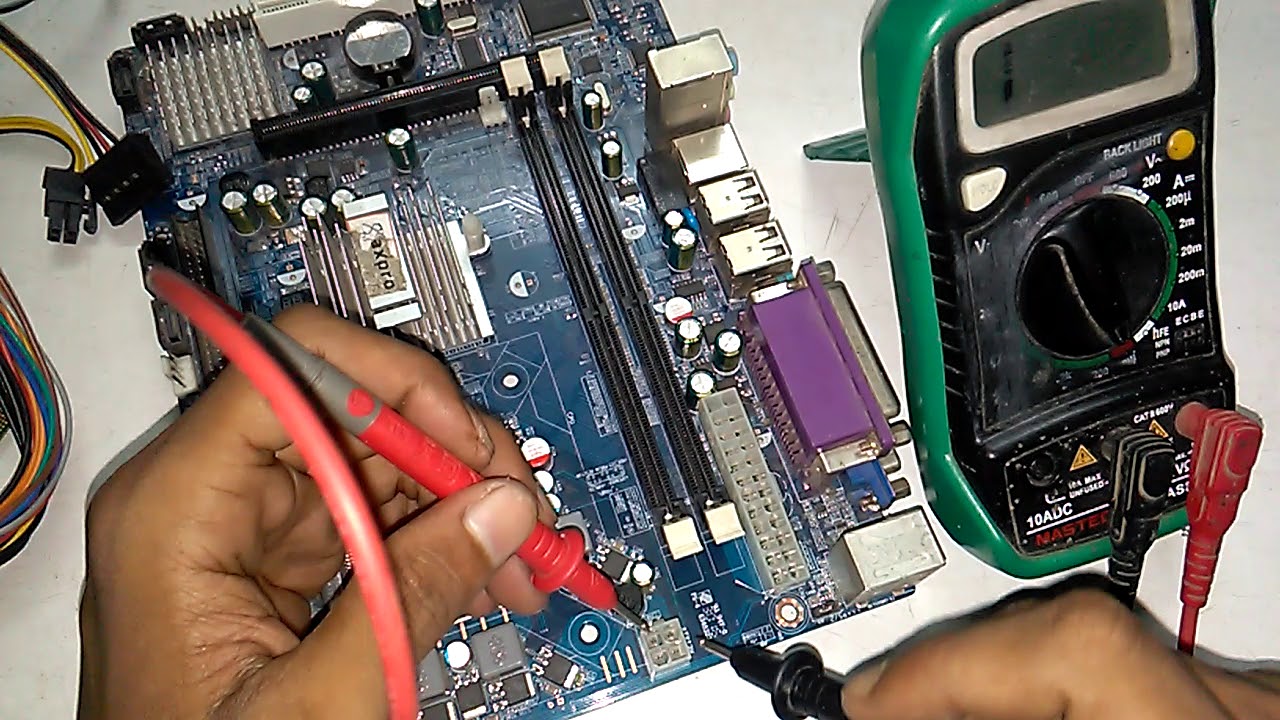
- Component testing: Use a multimeter to check for faulty components, such as capacitors or resistors.
- BIOS reset: Reset the BIOS to default settings to rule out any firmware-related issues.
Advanced Techniques for Motherboard Repair
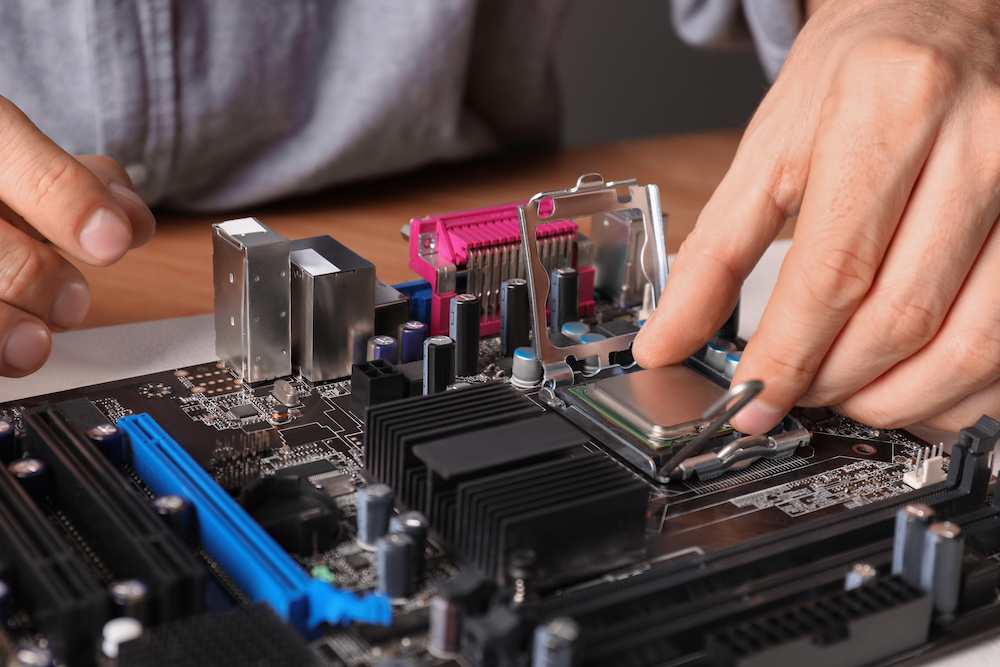
For more complex motherboard repair, consider the following advanced techniques:
- Chip-level repair: Work directly on the integrated circuits and tiny components on the motherboard.
- Firmware recovery: Update the motherboard's firmware to resolve issues and improve system stability.
- Soldering and desoldering: Repair or replace components that require soldering or desoldering.
Seeking Professional Help
If the motherboard is still not working, it's time to seek professional help. A qualified technician can diagnose the problem and repair the motherboard, or provide guidance on the necessary steps to fix the issue.
Conclusion
Motherboard repair can be a complex and challenging process, but with the right techniques and knowledge, it can be done efficiently. By identifying the symptoms of a faulty motherboard, employing proper repair techniques, and seeking professional assistance when necessary, you can effectively restore your computer or laptop to working condition.
Free Resources for Motherboard Repair
For those interested in learning more about motherboard repair, here are some free resources to get you started:
- Online courses and certifications
- YouTube tutorials
- Free repair guides and books