How to Set Up Voicemail: A Comprehensive Guide
Voicemail is an essential feature that allows you to receive voice messages from callers when you're unable to answer their calls. Setting up voicemail is a straightforward process that can help you stay connected with friends, family, and clients, even when you're not available to take calls. In this article, we'll provide a step-by-step guide on how to set up voicemail on your iPhone and Android devices.
Why Set Up Voicemail?
Voicemail is a convenient feature that helps you stay connected with people who try to reach you. When you set up voicemail, you'll be able to receive voice messages from callers, which can be especially helpful if you're in a meeting, driving, or need some quiet time. With voicemail, you can take calls when it's convenient for you, and respond to messages at your own pace.
How to Set Up Voicemail on iPhone
To set up voicemail on your iPhone, follow these steps:
- Open the Phone app on your iPhone.
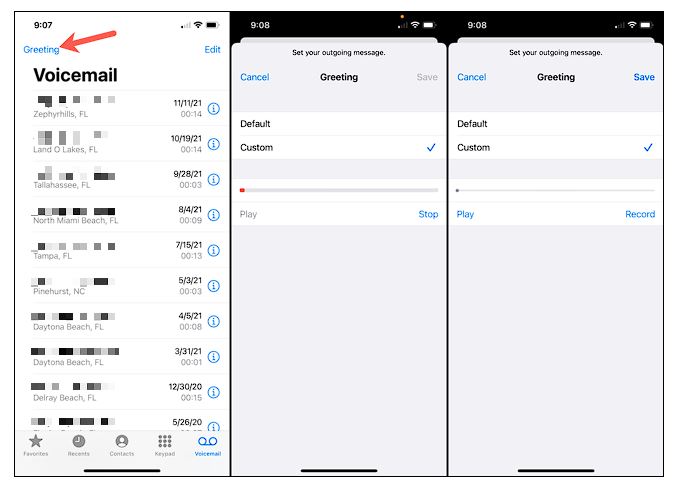
- Tap the "Voicemail" button at the bottom of the screen.
- Enter your voicemail password and tap "Done."
- Select the type of voicemail you want to use: Basic, Visual, or Enhanced.
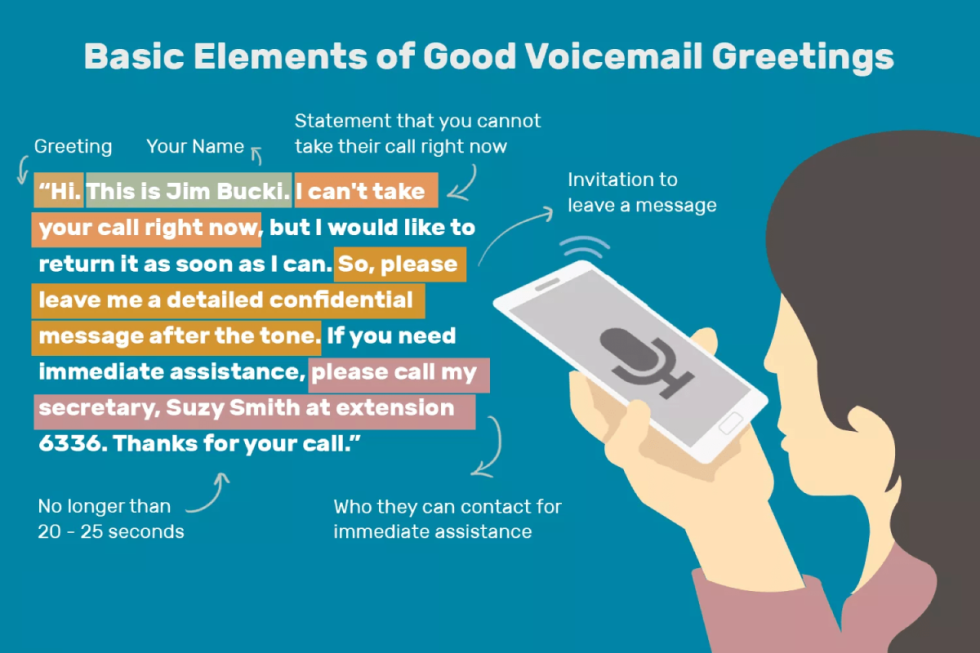
- Customize your voicemail greeting by recording a message.
- Save your changes to complete the setup process.
How to Set Up Voicemail on Android
To set up voicemail on your Android device, follow these steps:
- Open the Phone app on your Android device.
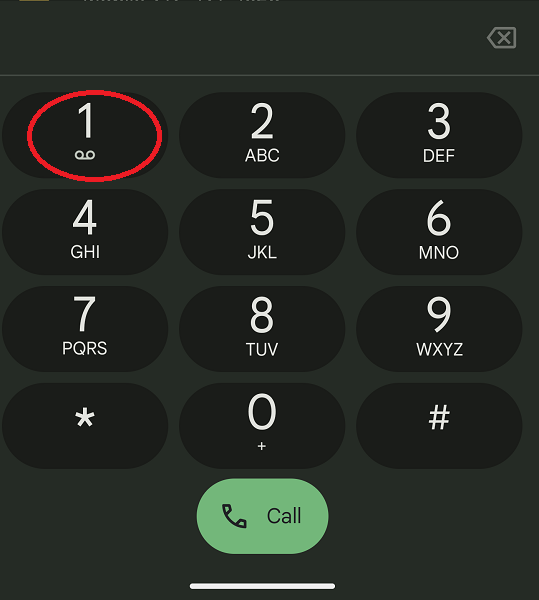
- Select the keypad icon and press and hold the number 1.
- Enter your voicemail password and follow the prompts to complete the setup process.
- Customize your voicemail greeting by recording a message.
- Save your changes to complete the setup process.

Additional Tips for Setting Up Voicemail
Here are some additional tips to keep in mind when setting up voicemail:
- Make sure to set up your voicemail password and record a personalized greeting.
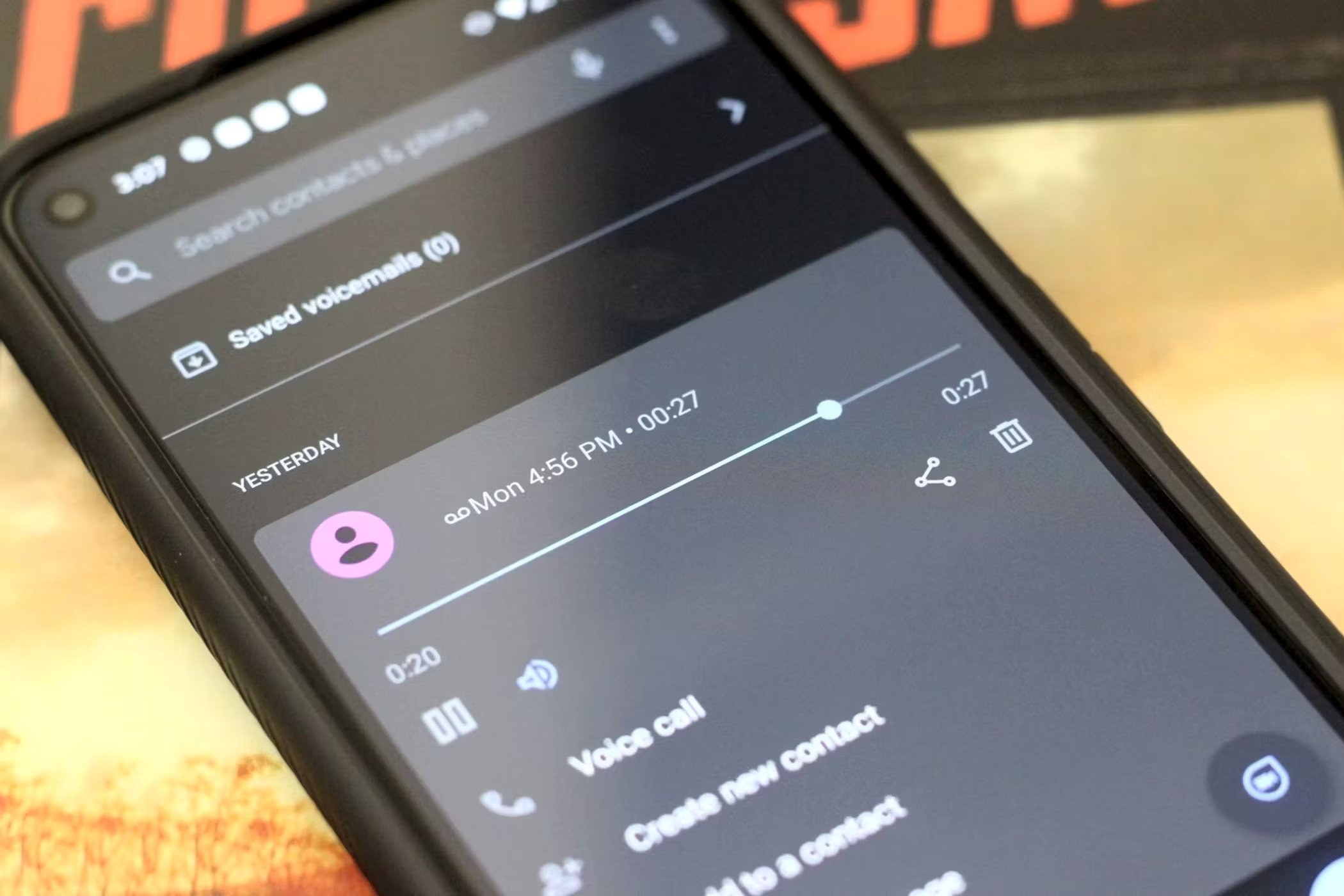
- Consider using visual voicemail to view and manage your voicemail messages in the Phone app.
- Customize your voicemail settings to suit your needs, such as setting up sub-mailboxes for different family members.
- Check your voicemail settings regularly to ensure that they're set up correctly.
Troubleshooting Voicemail Issues
If you're experiencing issues with your voicemail, here are some troubleshooting steps to try:
- Check your phone's settings to ensure that voicemail is enabled.
- Verify that you've entered the correct voicemail password.
- Try resetting your voicemail password and greeting.
- Contact your carrier's customer support for assistance with troubleshooting.
Conclusion
Setting up voicemail is a simple process that can help you stay connected with friends, family, and clients. By following the steps outlined in this article, you can set up voicemail on your iPhone and Android devices and start receiving voice messages from callers. Remember to customize your voicemail settings to suit your needs, and troubleshoot any issues that arise. With voicemail, you'll never miss a call again!