How to Secure Login Credentials Online: A Comprehensive Guide
In today's digital age, online security is more crucial than ever. With a vast majority of our personal and financial information stored online, it's essential to protect our login credentials from cybercriminals. Securing login credentials online is a multi-faceted process that involves creating strong passwords, using two-factor authentication, and being mindful of phishing attempts.
Step 1: Create Strong Passwords
- Use a combination of uppercase and lowercase letters, numbers, and special characters.
- Make sure the password is at least 12 characters long, but 14 or more is better.
- Use a password generator to create a robust password.
- Avoid using easily guessable information such as names, birthdays, or common words.
Creating a strong password is the foundation of securing your login credentials. A strong password is one that is difficult for others to guess and cannot be easily cracked using brute force or dictionary attacks.
Step 2: Use a Password Manager
A password manager simplifies your login experience by securely storing and autofilling your login credentials. When using a password manager, make sure to:
- Secure your password manager with a strong password and multiple factor authentication.
- Use a reputable password manager that offers end-to-end encryption.
- Generate strong, unique passwords for each account.
Using a password manager can significantly reduce the risk of password-related security breaches.
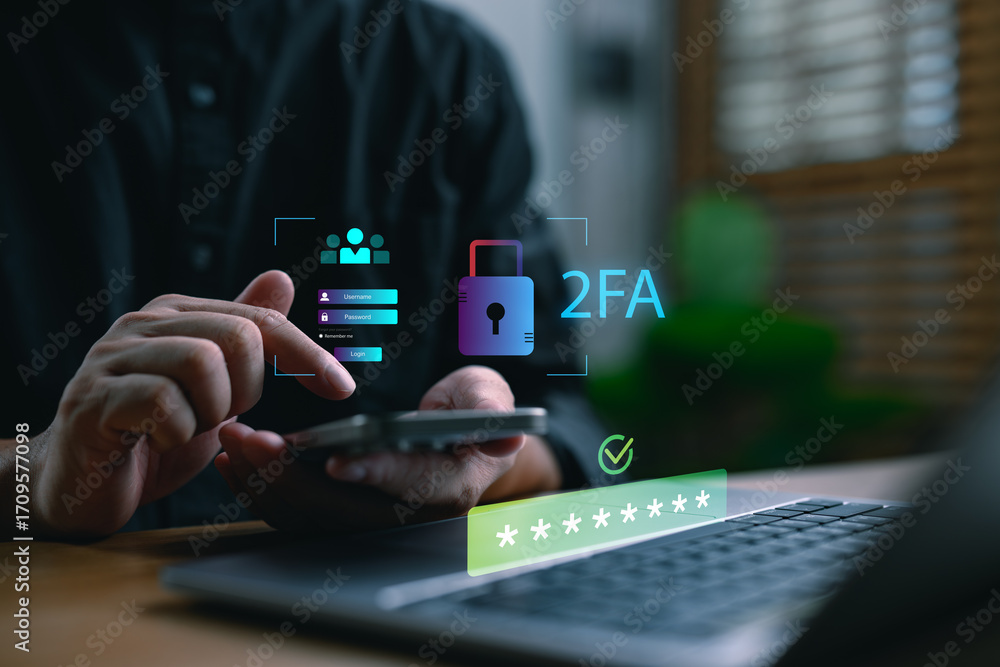
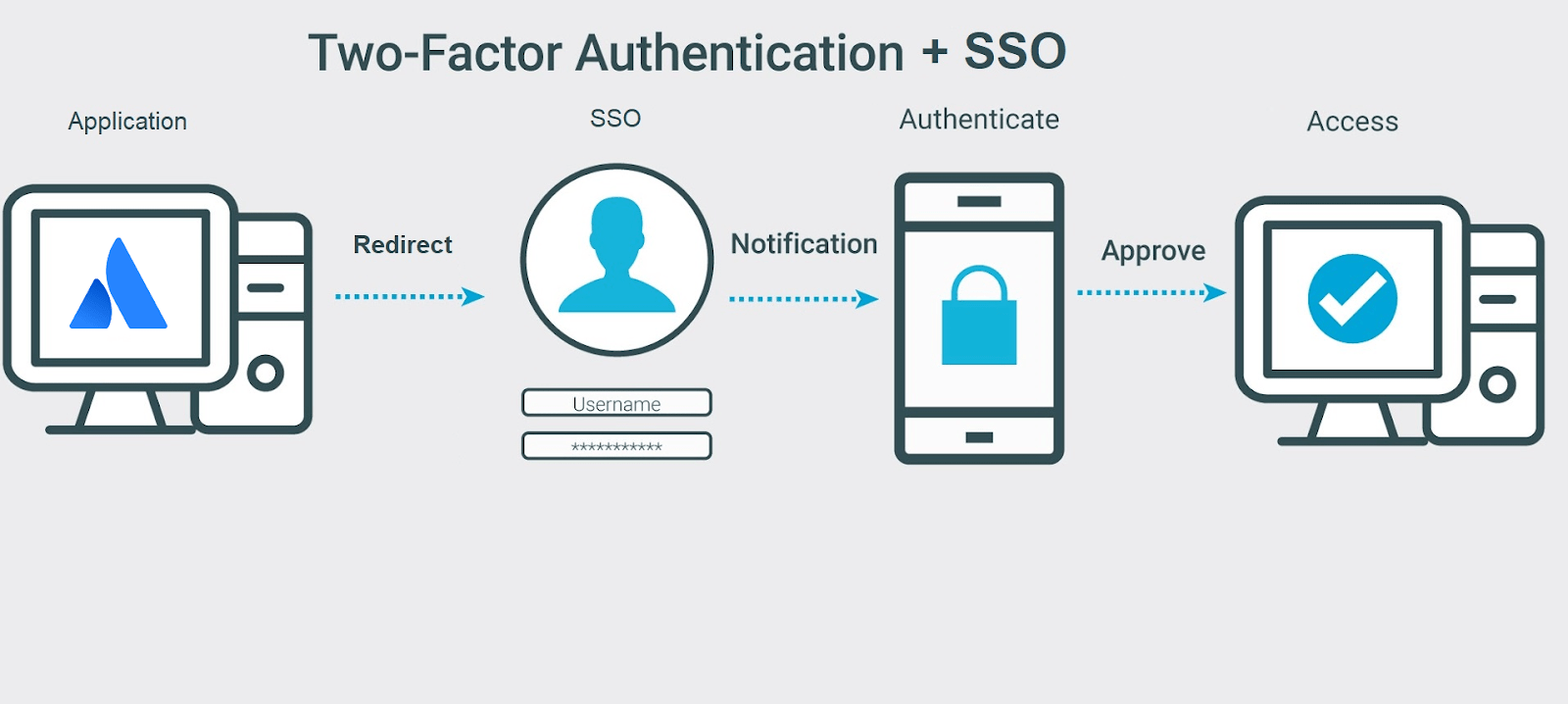
Step 3: Enable Two-Factor Authentication (2FA)

- Enable 2FA for all accounts that support it, especially for sensitive information like financial or email accounts.
- Use a reputable authentication app or service that offers time-based one-time passwords (TOTPs) or one-time passwords (OTPs).
- Store the 2FA codes securely, either manually or using a password manager.
Two-factor authentication adds an additional layer of security to your login credentials, making it much more difficult for hackers to gain unauthorized access to your accounts.
Step 4: Be Mindful of Phishing Attempts
Phishing is a common technique used by hackers to trick users into revealing sensitive information. To stay safe from phishing attempts:
- Be cautious when clicking on links or downloading attachments from unknown senders.
- Verify the sender's email address or URL before responding or taking any action.
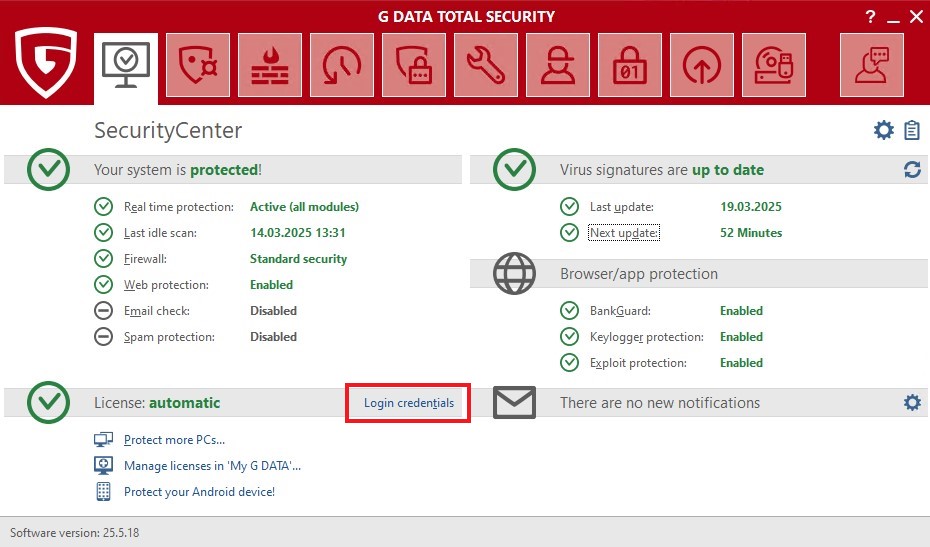
- Use antivirus software to detect and block phishing attempts.
Phishing can lead to a range of security issues, from compromised passwords to ransomware infections. Being mindful of phishing attempts can significantly reduce the risk of security breaches.
Conclusion
Securing login credentials online is a continuous process that requires attention to detail and a commitment to security best practices. By creating strong passwords, using a password manager, enabling two-factor authentication, and being mindful of phishing attempts, you can significantly reduce the risk of security breaches and protect your personal and financial information.
Remember, online security is a shared responsibility between you and the companies you trust with your sensitive information. Take proactive steps to secure your login credentials, and always stay informed about the latest security threats and best practices.