How to Protect Personal Passwords: A Comprehensive Guide
With the rise of digital transactions and online activities, protecting personal passwords has become more crucial than ever. A majority of account takeovers start with weak or compromised passwords, which can put your personal information at risk. In this article, we will explore the importance of password protection and provide you with the best practices to keep your accounts safe from hackers and malicious actors.
Why Password Protection is Essential
Passwords are one of the least secure ways of protecting your online information. A weak or compromised password can give hackers access to your account, leading to identity theft, financial fraud, and other serious consequences. It is essential to understand how hackers target passwords and take control of your digital accounts to protect yourself from malicious actors.
Tips for Building Strong Passwords
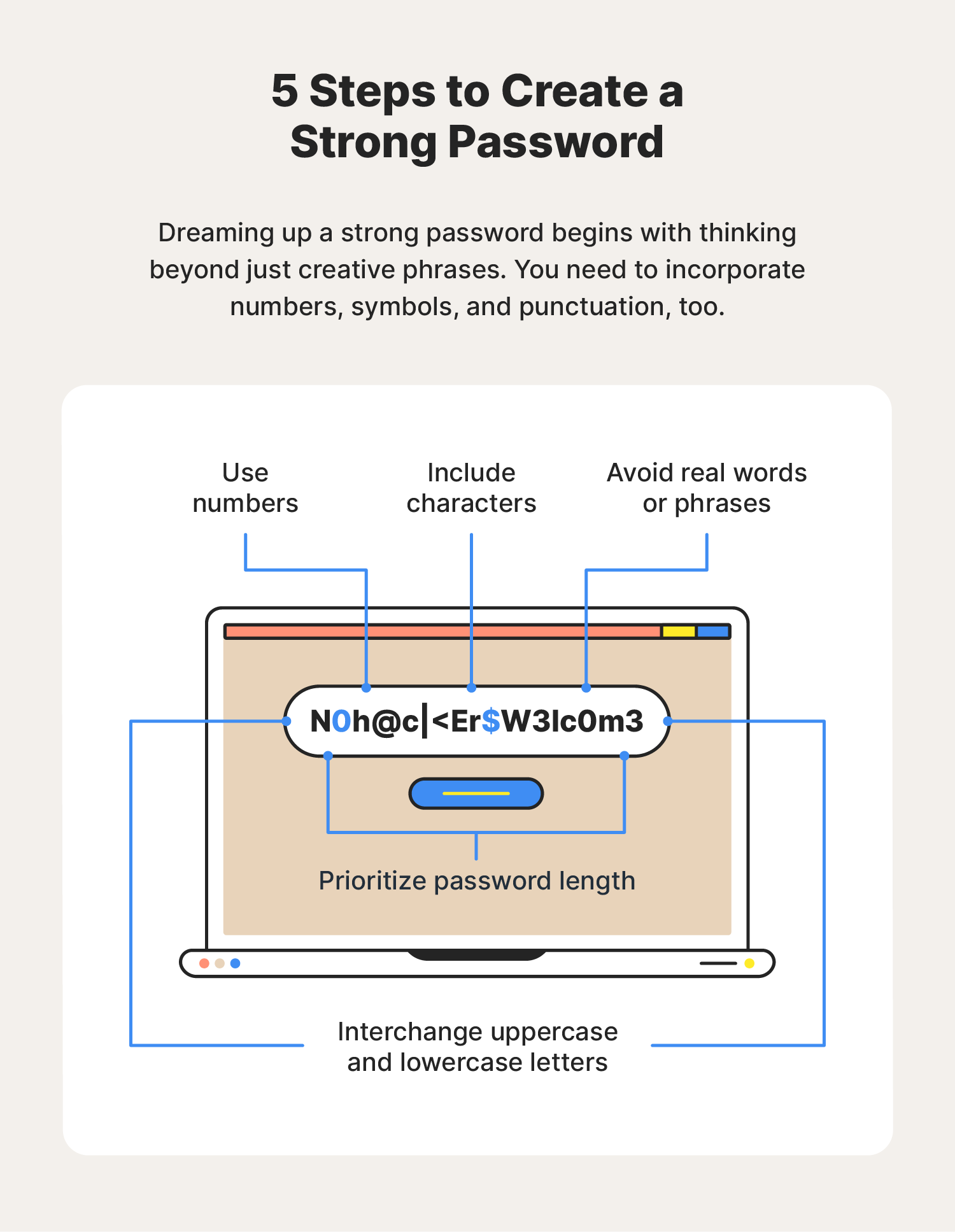
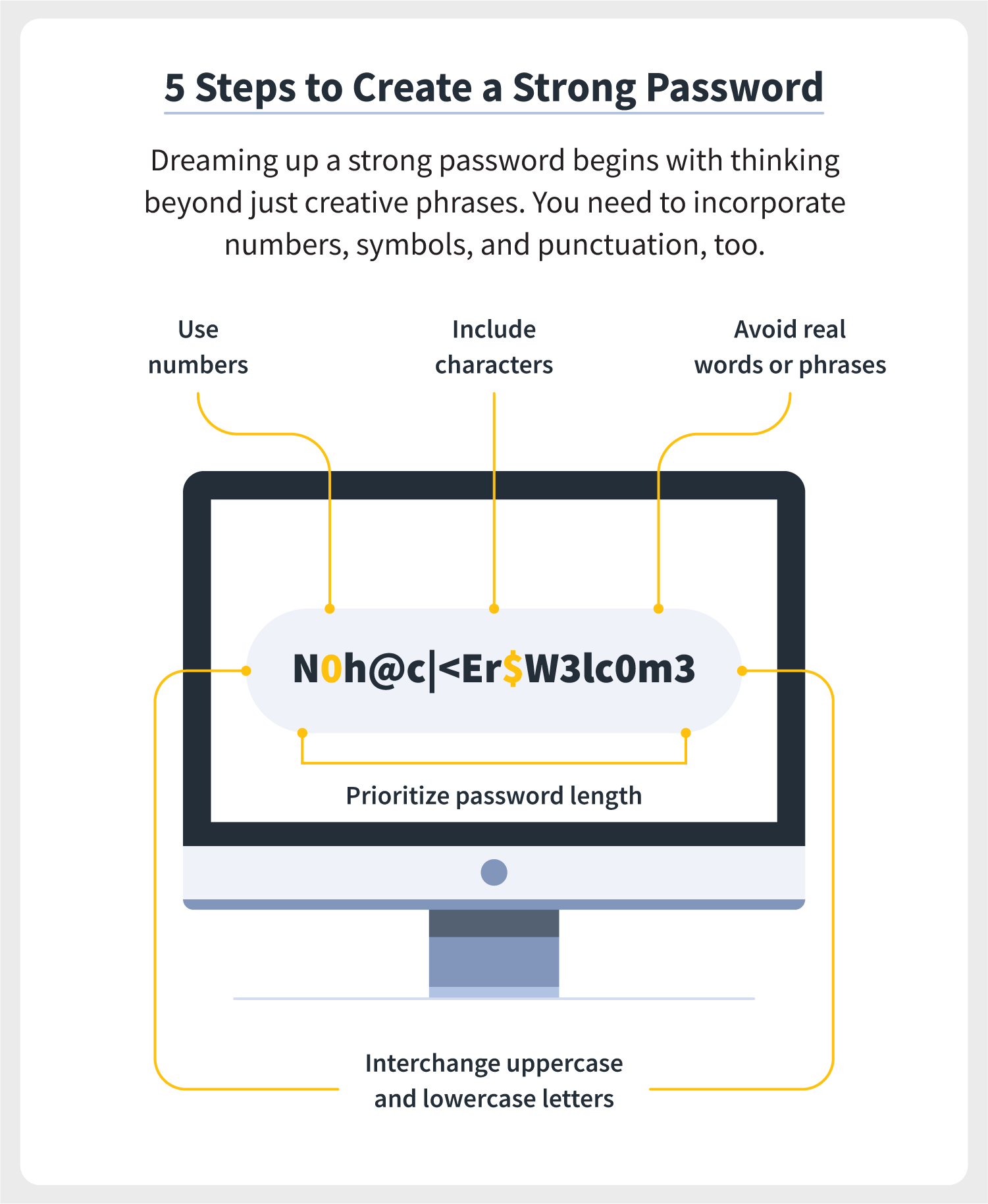
- Use a combination of uppercase and lowercase letters, numbers, and special characters in your password. Avoid using easily guessable information like your name, birthdate, or common words.
- Use a minimum of 12 characters, but 14 or more is recommended for enhanced security. li>Change your password regularly, ideally every 60-90 days.
The Importance of Multi-Factor Authentication (MFA)
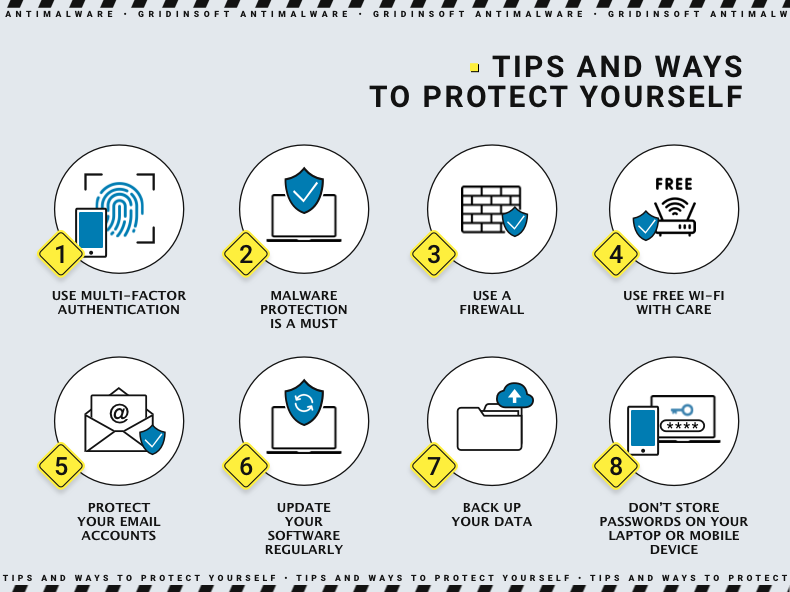
Multi-factor authentication adds an extra layer of security to your account by requiring you to provide additional verification beyond just your password. This can include a code sent to your phone or email, a fingerprint or facial recognition, or a smart card. Using MFA can help prevent password phishing attacks and keep your accounts secure even if your password is compromised.
Password Managers: A Convenient Way to Store Passwords
Password managers like Bitwarden and LastPass can help you store and generate strong, unique passwords for each of your accounts. These tools can also offer features like password detection and alerts if a password has been compromised. Consider using a password manager to protect your passwords and prevent password reuse.
How to Protect Your Accounts from Hackers
- Use a complex, unique password for each of your accounts.
- Enable two-factor authentication (2FA) or multi-factor authentication (MFA) whenever possible.
- Monitor your accounts and credit reports regularly for any suspicious activity.
- Use a reputable password manager to store and generate strong, unique passwords.
Additional Security Measures
In addition to password protection, consider using other security measures to safeguard your digital information. These can include:
- Using a VPN (Virtual Private Network) to encrypt your internet traffic.
- Installing anti-malware software to prevent malware and viruses.
- Keeping your operating system, browser, and other software up to date.
- Being cautious when clicking on links or opening attachments from unknown senders.
Conclusion
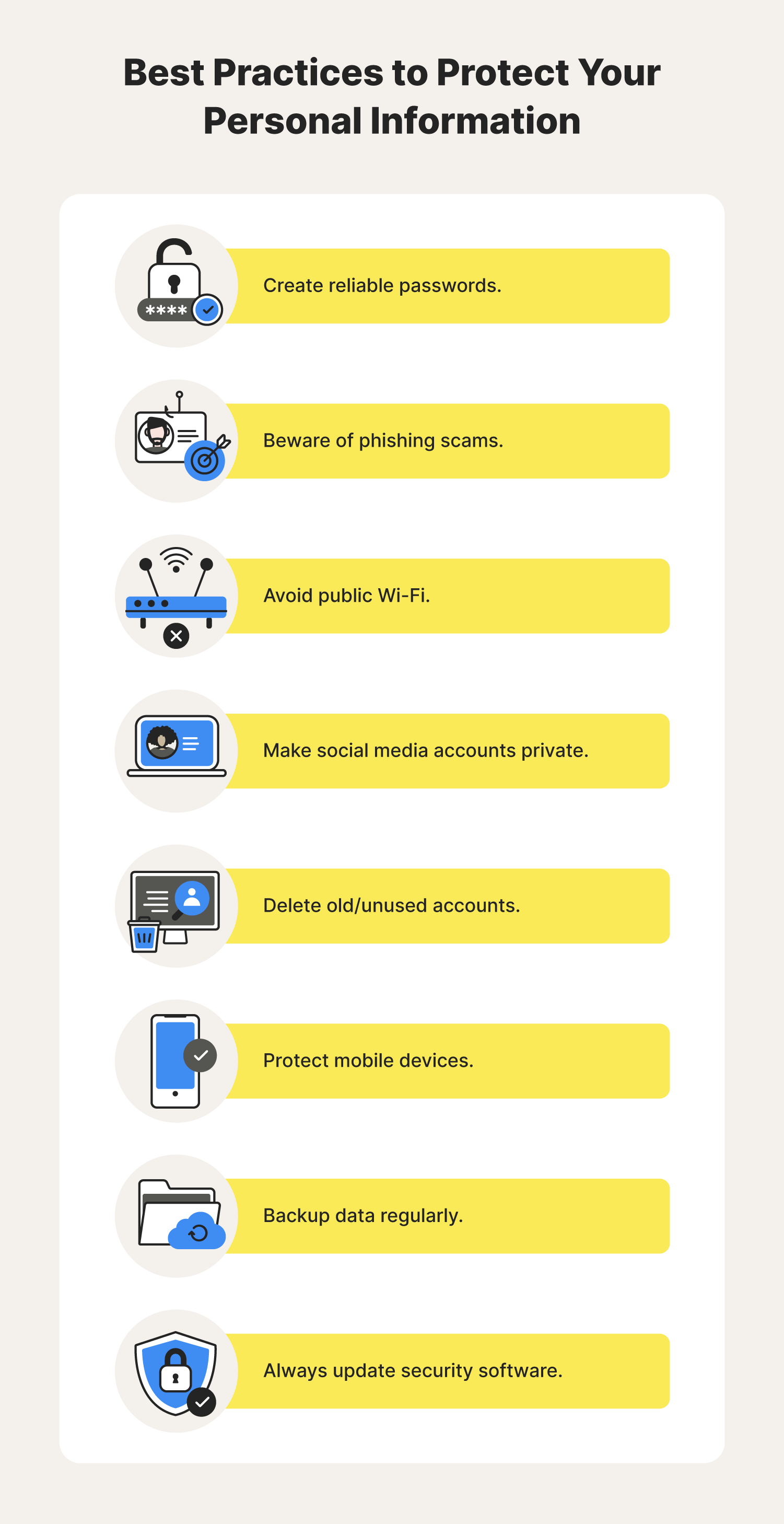
Protecting your personal passwords is a critical step in safeguarding your digital information. By following these tips and best practices, you can significantly reduce the risk of account compromise and identity theft. Remember to use a complex and unique password, enable MFA, and consider using a password manager to generate and store strong passwords. Stay vigilant and take control of your digital security today!