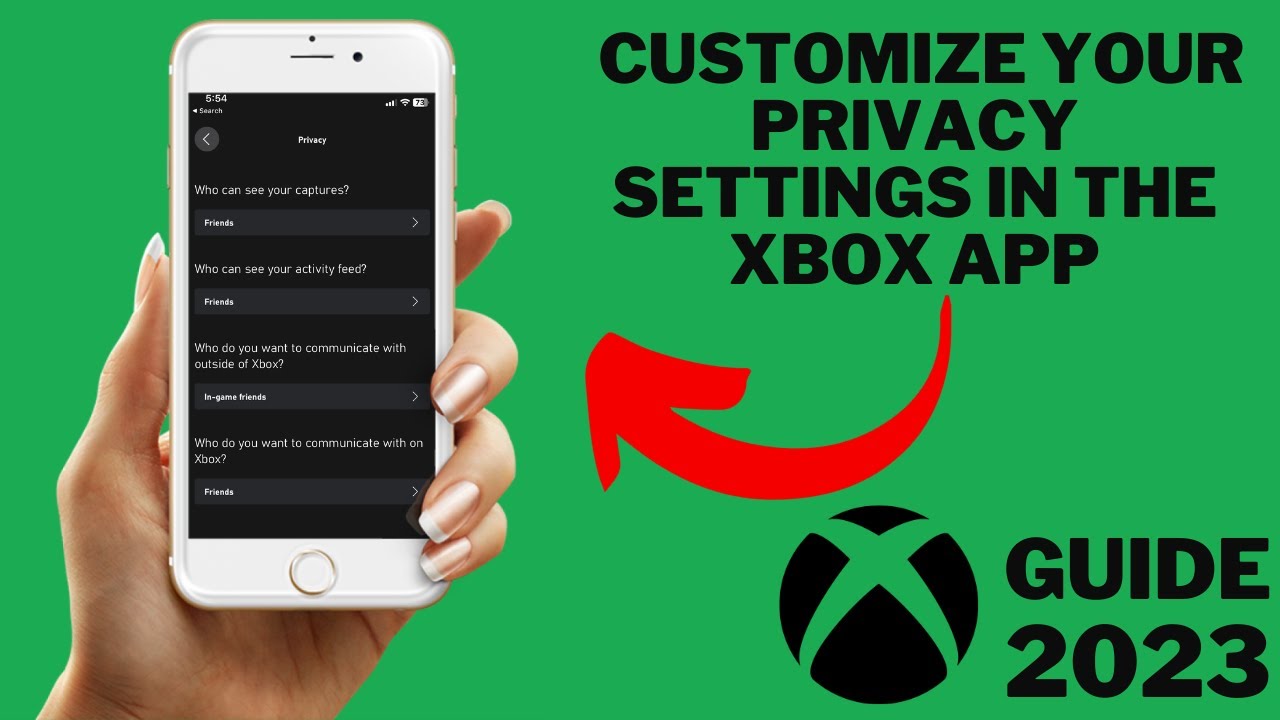
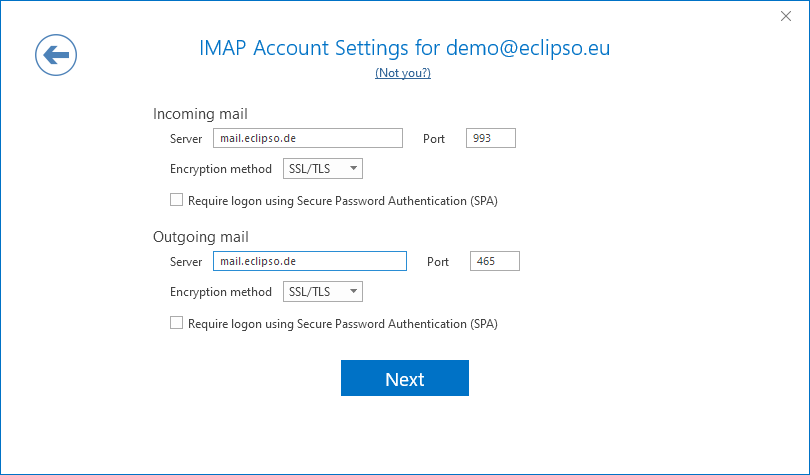
Managing Your Email Account Privacy Settings: A Comprehensive Guide
With the increasing number of online activities and digital communication, it's essential to protect your email account from unauthorized access and data breaches. Your email account privacy settings play a crucial role in safeguarding your personal information and maintaining the security of your online interactions. In this article, we'll delve into the world of email account privacy settings, providing you with a comprehensive guide on how to manage and optimize your privacy configurations.
Why Email Account Privacy Settings Matter
Email account privacy settings enable you to control who can access your email communications and data. By adjusting these settings, you can ensure that your personal information remains secure from prying eyes. Whether you're a casual email user or an enterprise-level professional, taking control of your email account privacy settings is vital in the digital age.
Understanding Email Account Privacy Settings
Many email services, including Gmail, Outlook, and Yahoo, offer various privacy settings to help you manage your email account security. These settings may include:
- Account password strength and expiration
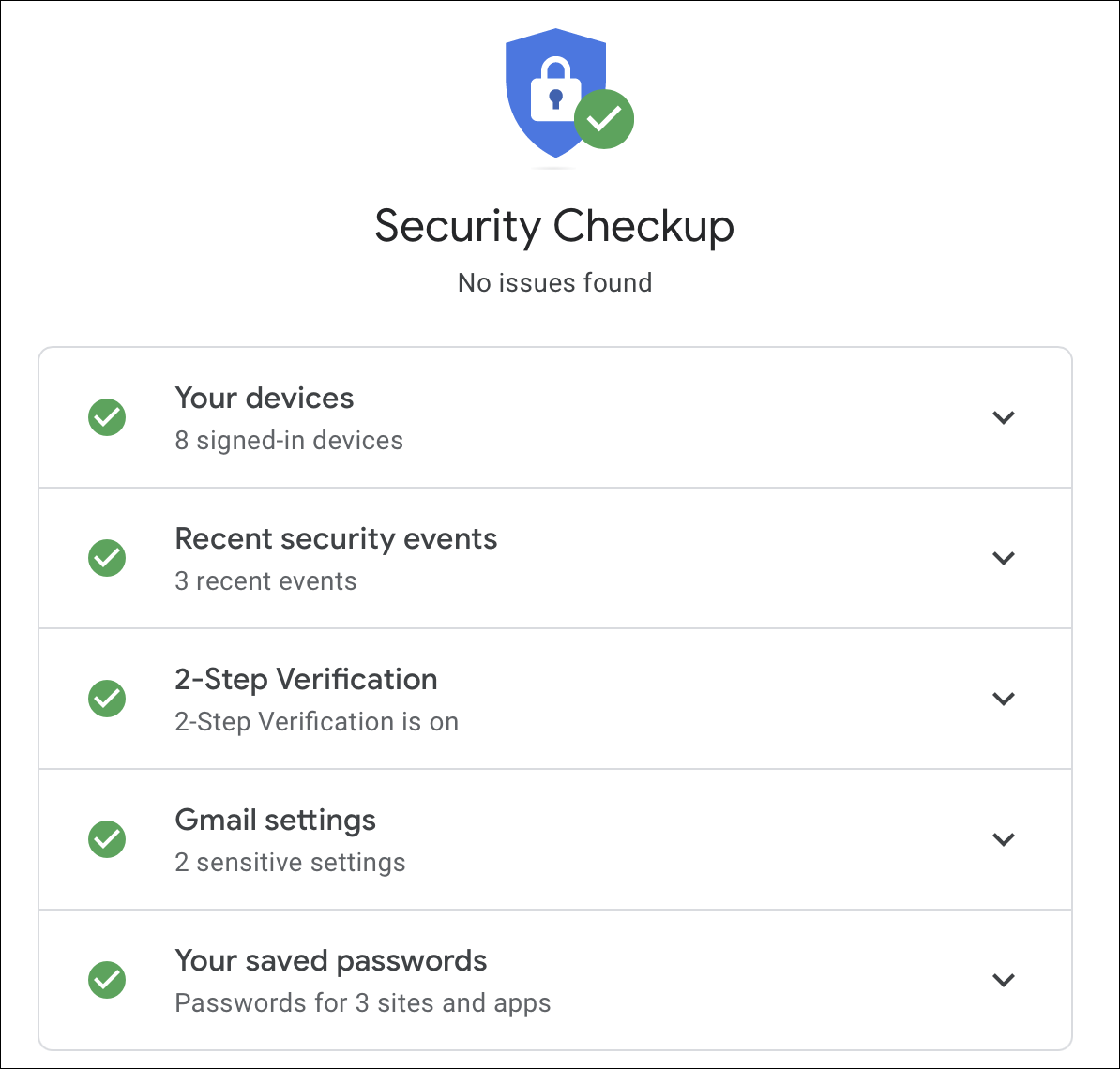
- Two-factor authentication (2FA) and account verification
- Message encryption and sender authentication
- Blocking or allowing specific senders and Apps
- Configuring security tokens and login methodology
Configuring Email Account Privacy Settings
To configure your email account privacy settings, follow these steps:
Step 1: Sign in to your email account
Begin by signing in to your email account using the login credentials you created during sign-up. This will grant you access to your account settings and privacy configurations.
Step 2: Navigate to your account settings
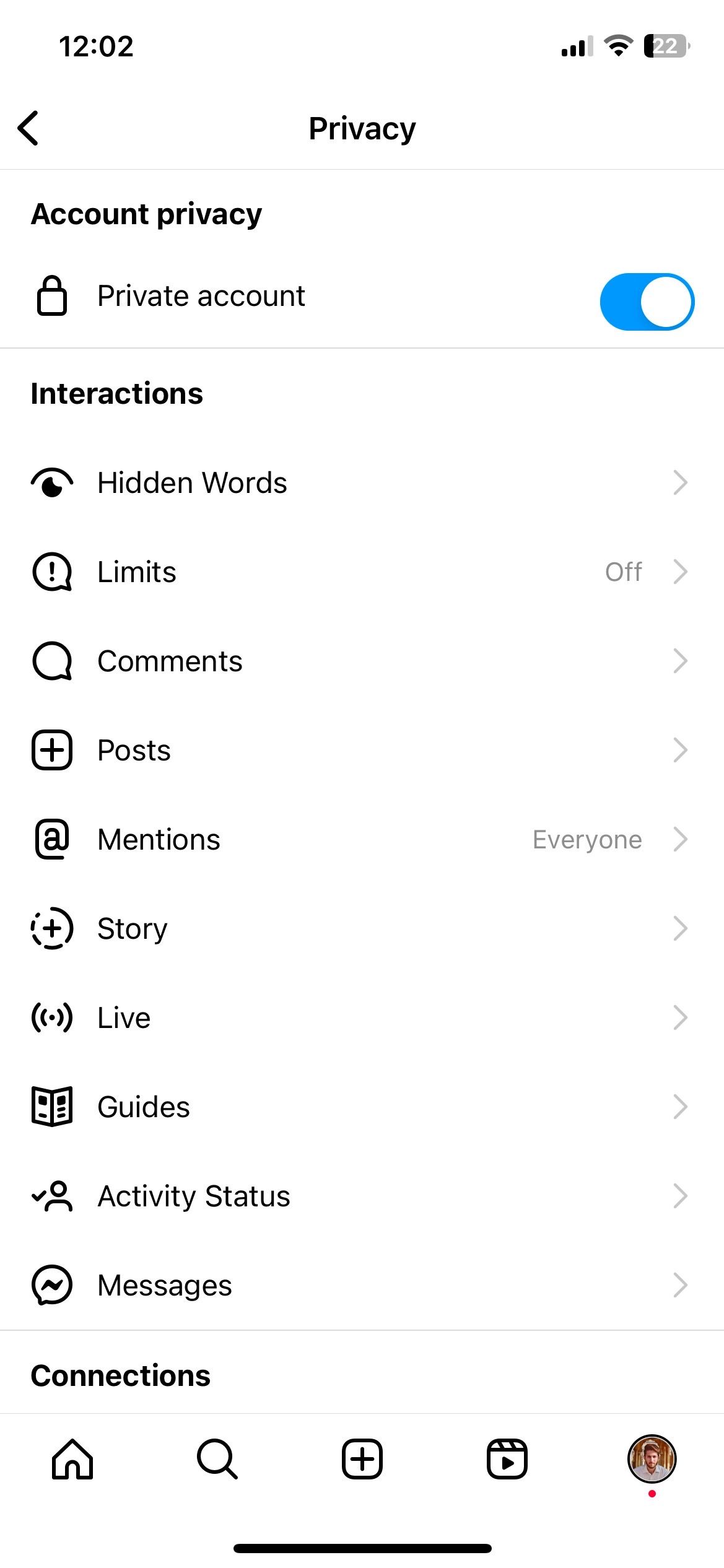
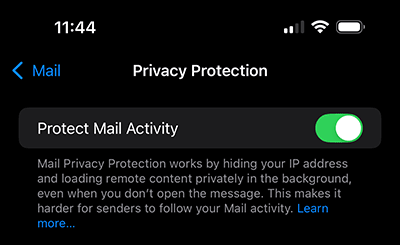
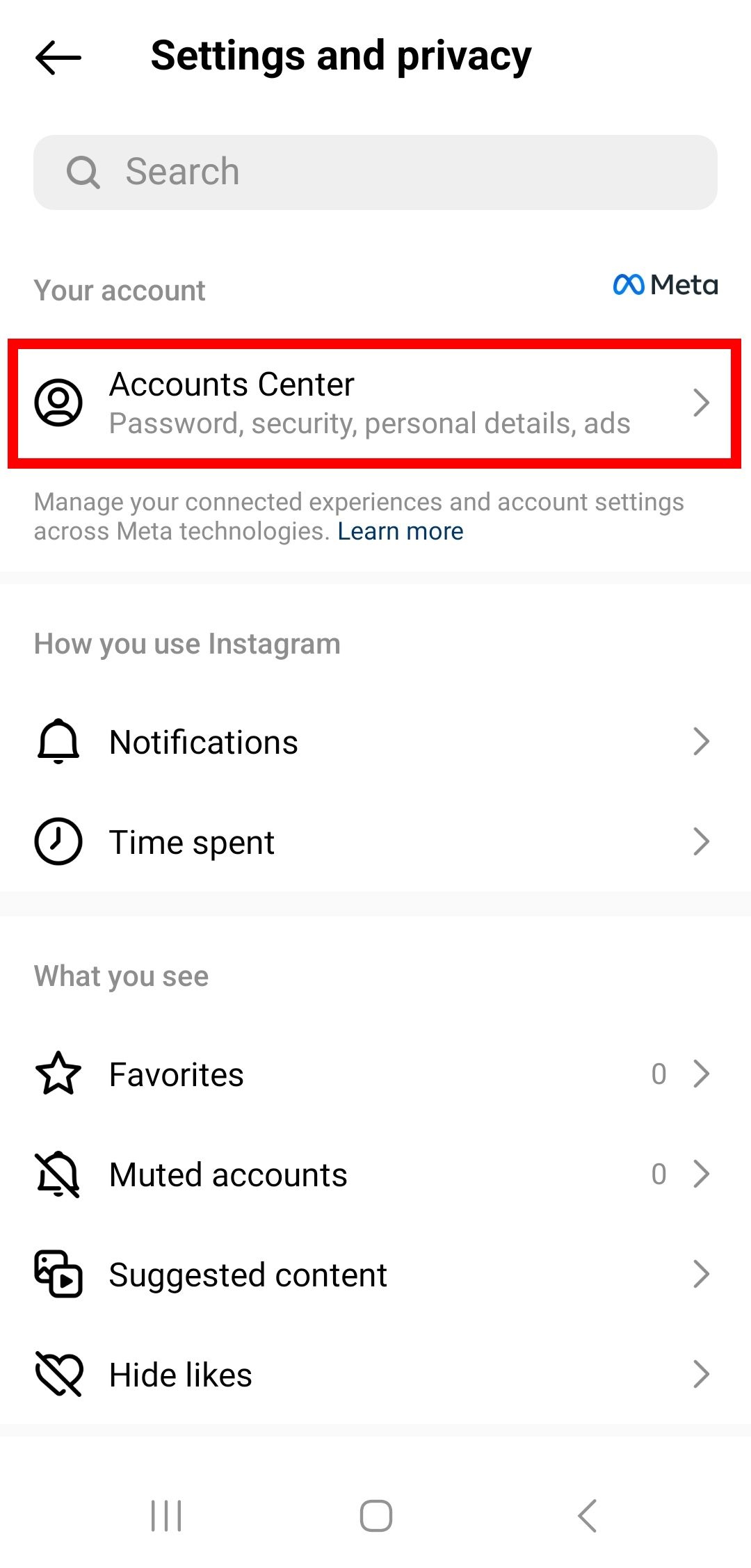
Once signed in, navigate to your account settings by clicking on the 'Settings' or 'Options' button. From there, select the 'Privacy' or 'Security' tab to access your email account privacy settings.
Step 3: Customize your email account settings
Using the account settings tab, adjust your email account settings to your liking. This may include:
- Enabling or disabling two-factor authentication (2FA)
- Creating a strong and unique password
- Configuring message encryption and sender authentication
- Setting up security tokens and login methodology
Step 4: Review and save changes
Once you've adjusted your email account settings, review the changes to ensure everything is set correctly. Save the changes to apply them to your account.
Best Practices for Email Account Privacy Settings
To maximize the security and effectiveness of your email account privacy settings, consider the following best practices:
- Use strong and unique passwords for your email account and other online services
- Enable two-factor authentication (2FA) whenever possible
- Regularly update and review your account settings and security configurations
- Be cautious when clicking on links or downloading attachments from unknown senders
Conclusion
Managing your email account privacy settings is a critical aspect of maintaining online security and data privacy. By understanding the importance of email account privacy settings and configuring them correctly, you can significantly reduce the risk of unauthorized access and data breaches.
Remember to always follow best practices for email account security, and stay informed about the latest developments in the world of digital security.
Frequently Asked Questions (FAQs)
Here are some frequently asked questions about email account privacy settings:
Q: Why is it essential to manage my email account privacy settings?
A: Managing your email account privacy settings helps protect your personal information from unauthorized access and data breaches.
Q: How do I configure my email account privacy settings?
A: To configure your email account settings, sign in to your account, navigate to the account settings tab, and adjust the settings to your liking.
Q: What are the best practices for email account security?
A: Best practices for email account security include using strong and unique passwords, enabling two-factor authentication (2FA), regularly updating and reviewing account settings, and being cautious when clicking on links or downloading attachments from unknown senders.
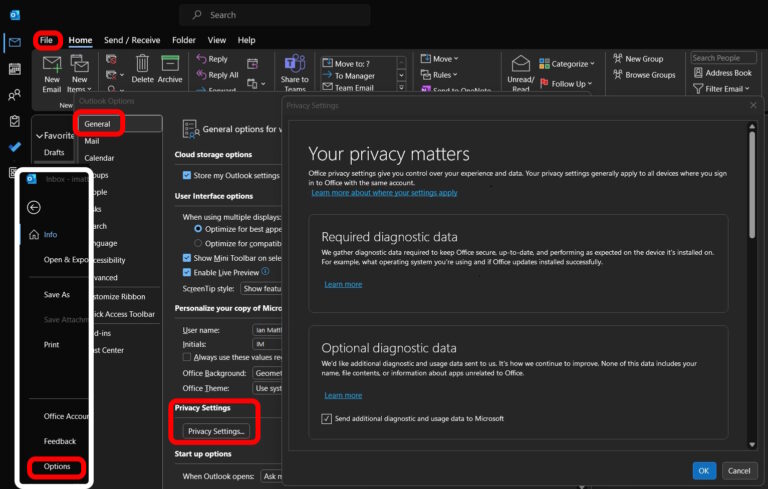




/images/2022/11/07/how-to-change-social-media-privacy-settings-twitter-phone-1.png "Control privacy settings for your Microsoft account")