Effective Instagram Account Management Tips for a Thriving Online Presence
Managing an Instagram account can be a daunting task, especially for individuals and businesses who rely heavily on the platform for their online presence. With over 1 billion active users, Instagram is a vital channel for reaching a vast audience, but it requires more than just posting occasional updates to maintain a strong online presence. In this article, we'll delve into the world of Instagram account management, discussing the best practices, tools, and techniques to help you optimize your workflow and boost engagement.1. Understand Your Audience and Content Strategy
Before you can manage your Instagram account effectively, it's essential to understand your target audience and content strategy. This involves knowing your audience demographics, their interests, and the type of content they engage with. Consider the following:- Who is your target audience?
- What type of content resonates with your audience?
- What are your overall content goals (e.g., engagement, brand awareness, lead generation)?
- How will you measure success?
2. Use Instagram's Multi-Account Feature
Instagram's multi-account feature allows you to manage multiple accounts from a single platform, making it easier to streamline tasks and improve efficiency. To access this feature, go to your profile, tap the three horizontal lines (iPhone) or the hamburger menu (Android), and select "Add Account."3. Leverage Instagram Stories and IGTV
Instagram Stories and IGTV are powerful tools for engaging your audience and promoting your content. Use them to:- Start live broadcasts
- Share behind-the-scenes content
- Utilize photo effects and other creative features
- Share user-generated content
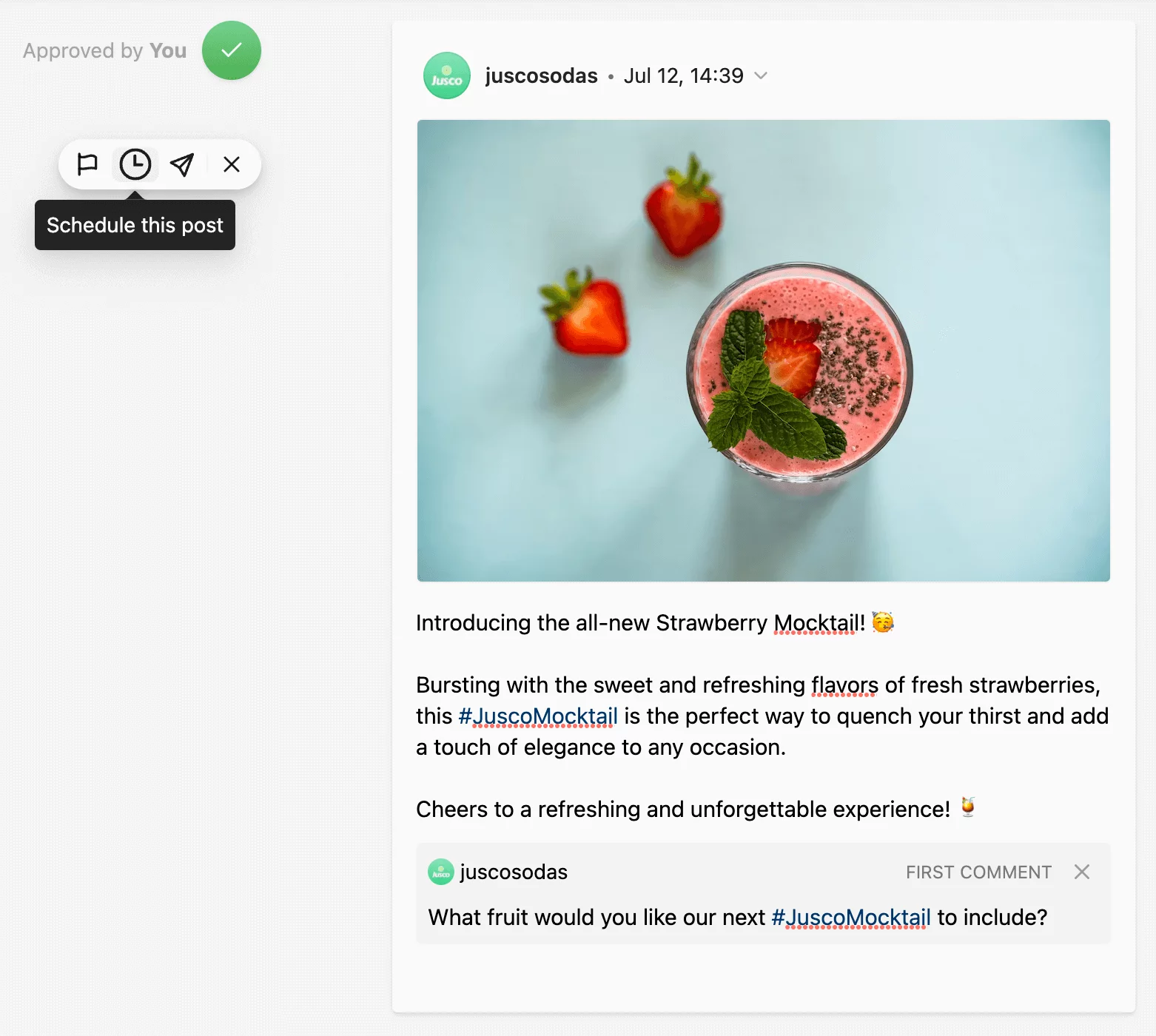
4. Optimize Your Captions and Hashtags
- Keep captions short and snappy (six or seven words is a good starting point)
- Use relevant hashtags to reach a broader audience
- Incorporate emojis and symbols to add visual appeal
5. Monitor and Measure Performance with Instagram Insights
Instagram Insights provides valuable data on your account's performance, helping you understand how your audience interacts with your content. Use this information to refine your content strategy, optimizing your approach to better engage your audience.- Access Instagram Insights in your account settings
- Track engagement rates, reach, and impressions
- Monitor hashtag performance and audience demographics