Effective Facebook Hacking Prevention: Protect Your Account and Stay Safe
With the rise of social media, Facebook has become an essential platform for both personal and professional connections. However, the increased usage of Facebook has also led to a surge in hacking attempts. As a result, Facebook hacking prevention has become a significant concern for users. In this article, we will outline the best practices to prevent Facebook hacking and ensure the security of your account.
Understand the Risks of Facebook Hacking
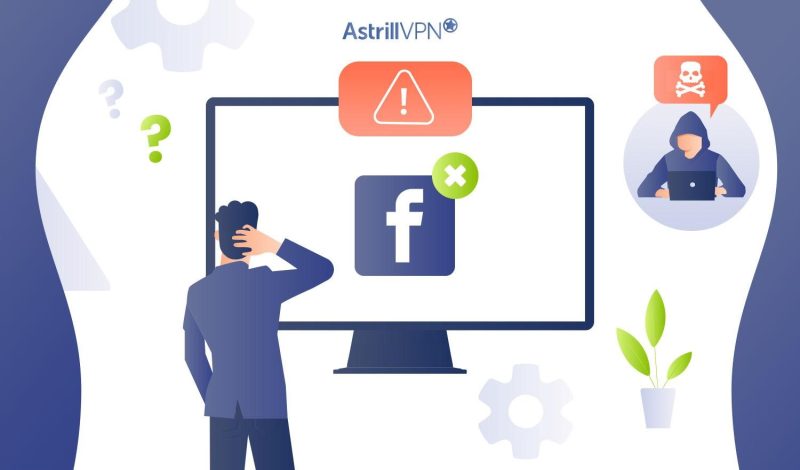
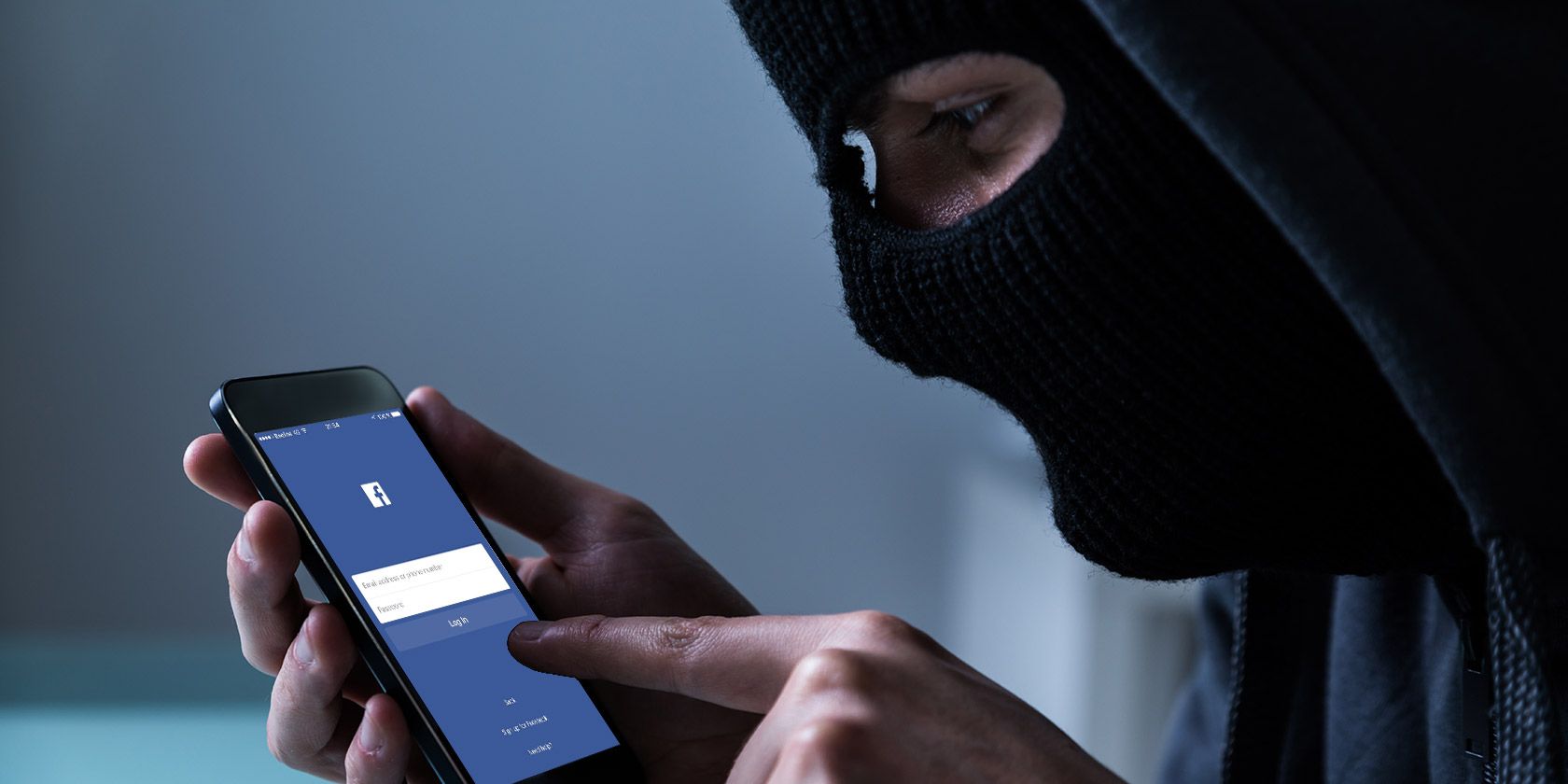
Facebook hacking involves gaining unauthorized access to a user's account, allowing the hacker to post unwanted content, access sensitive information, and even spread malware. According to recent statistics, more than 400 malicious Android and iOS apps have targeted users' Facebook login information, highlighting the severity of the issue.
Common Methods Used by Hackers
- Phishing: Hackers use fake emails or messages to trick users into revealing their login credentials.
- Password Attacks: Hackers use sophisticated software to guess or crack weak passwords.
- Social Engineering: Hackers use psychological manipulation to trick users into revealing sensitive information or clicking on malicious links.
Facebook Hacking Prevention: Security Measures to Implement
Preventing Facebook hacking requires a combination of security measures and good online practices. Here are some essential steps to follow:
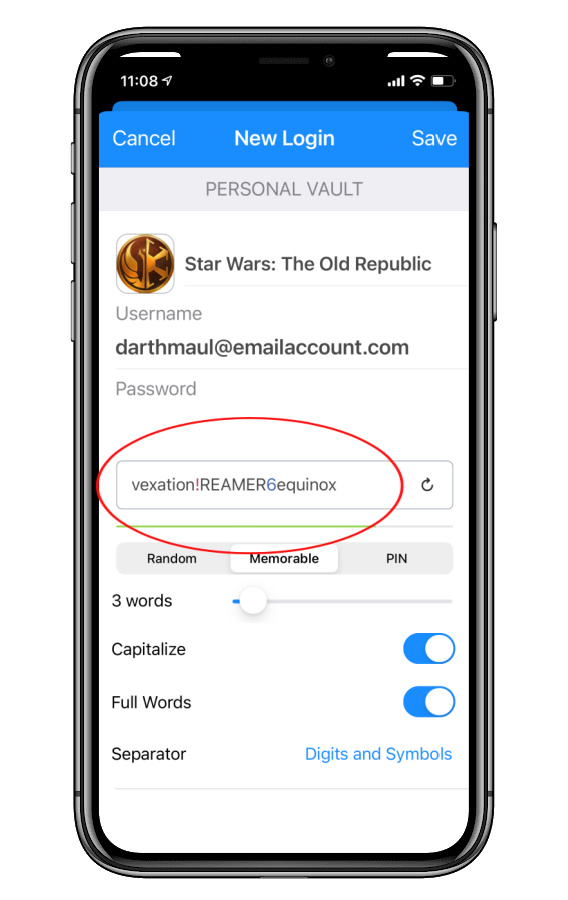
1. Use Strong Passwords
A strong password is the first line of defense against Facebook hacking. Ensure your password is a combination of numbers, letters, and special characters and is at least 12 characters long. Avoid using easily guessable information such as your name, birthdays, or common words.
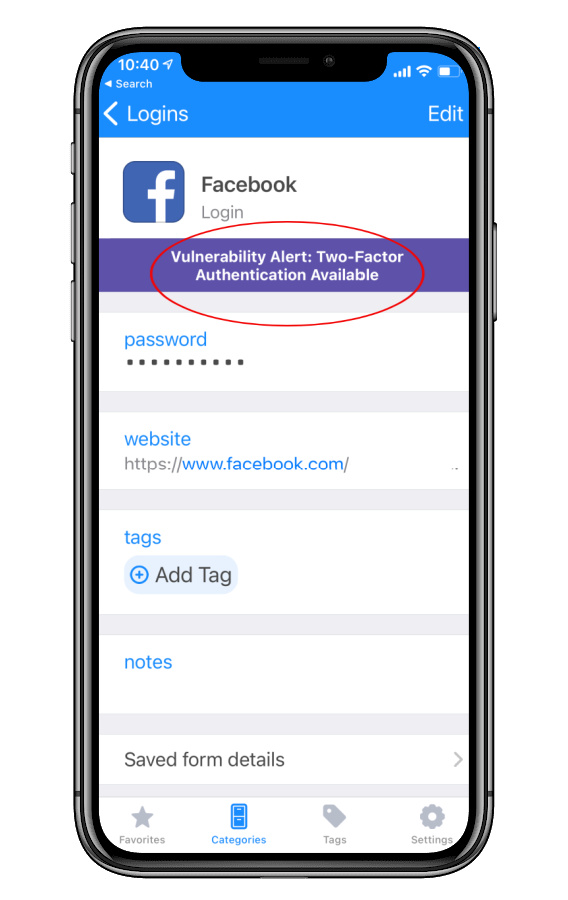
2. Enable Two-Factor Authentication (2FA)
Two-factor authentication adds an extra layer of security to your Facebook account. This feature sends a verification code to your phone or email after entering your login credentials, preventing unauthorized access even if your password is compromised.
3. Be Cautious of Suspicious Links and Emails
Be wary of links or emails that ask for your login information or verify your account details. These could be phishing attempts or malware disguised as legitimate Facebook messages.
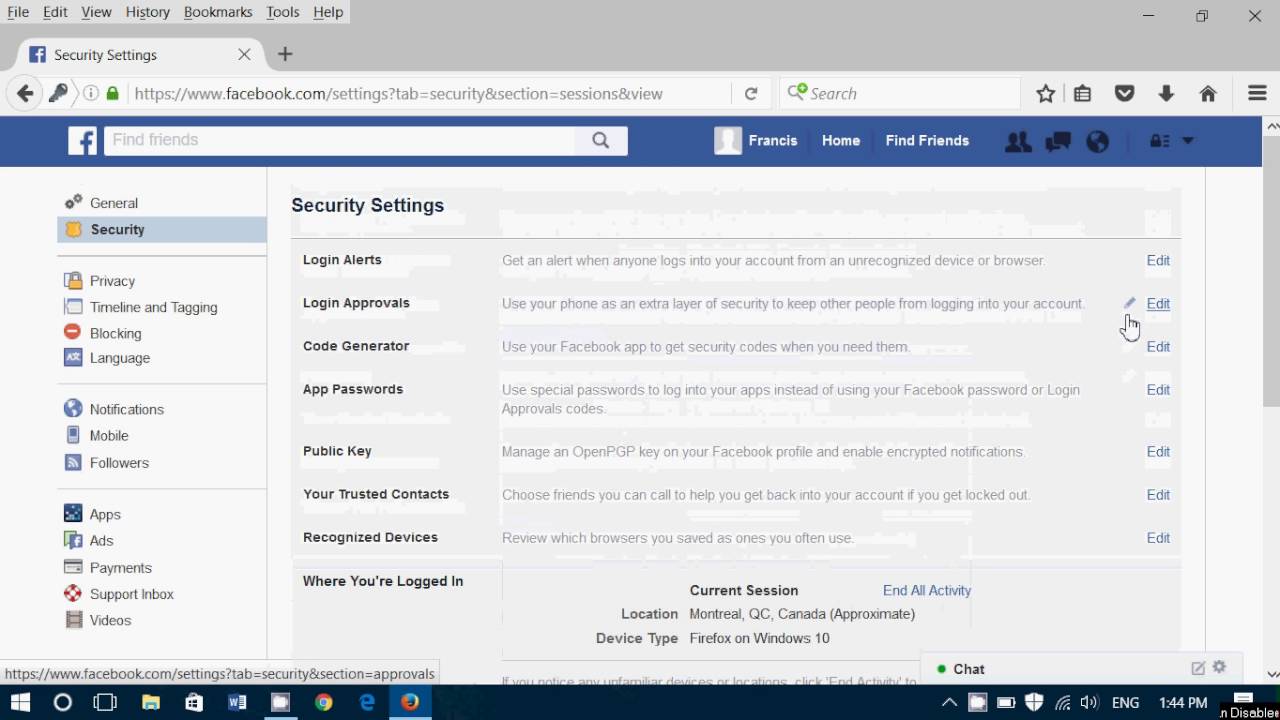
4. Monitor Your Account Activity
Regularly review your Facebook account's login activity to detect any suspicious activity. If you notice unusual login locations or logins, take prompt action to secure your account.
5. Regularly Update Your Facebook Account Settings
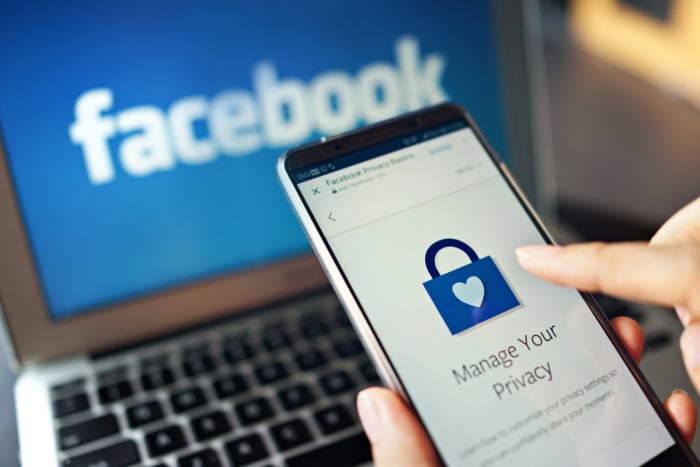
Keep your Facebook account settings up-to-date by reviewing and adjusting your security and privacy preferences. Ensure that your email address, phone number, and login location are accurate and up-to-date.
6. Use Public Browsing Safely
When accessing Facebook from public computers, use private browsing to prevent your login information from being saved on the device. Enable Incognito Mode in Google Chrome, Private Window in Firefox, or Private Browsing in Safari.
7. Install Anti-Virus Software
Install anti-virus software on your device to protect against malware and other security threats. Regularly update your software to stay protected against the latest threats.
8. Enable Advanced Protection
Facebook's Advanced Protection program provides an additional layer of security, including two-factor authentication and alerts for suspicious activity. Check if you're eligible for Advanced Protection and enroll if available.
Conclusion
Facebook hacking prevention is an ongoing process that requires user awareness and vigilance. By understanding the risks of hacking, implementing security measures, and following good online practices, you can significantly reduce the risk of your account being hacked. Remember, it's easier to prevent Facebook hacking than it is to recover from it. Stay safe online and protect your Facebook account with these simple yet effective Facebook hacking prevention tips.