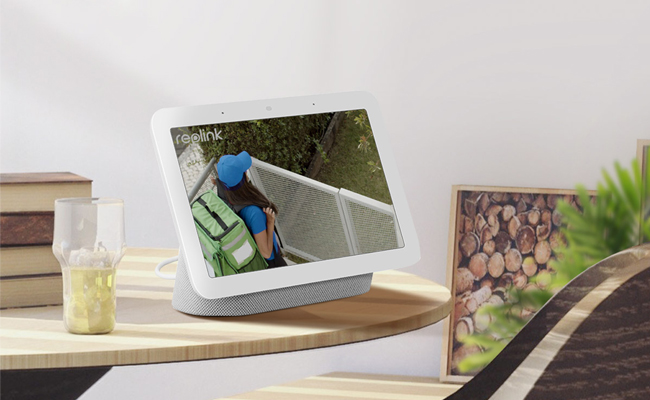
Configuring Google Home for Smart Speakers: A Comprehensive Guide
ôte to experience the ultimate in convenience and technology with Google Home for Smart Speakers! In this article, we'll show you how to set up and configure your Google Home device for a seamless smart home experience.
Getting Started with Google Home
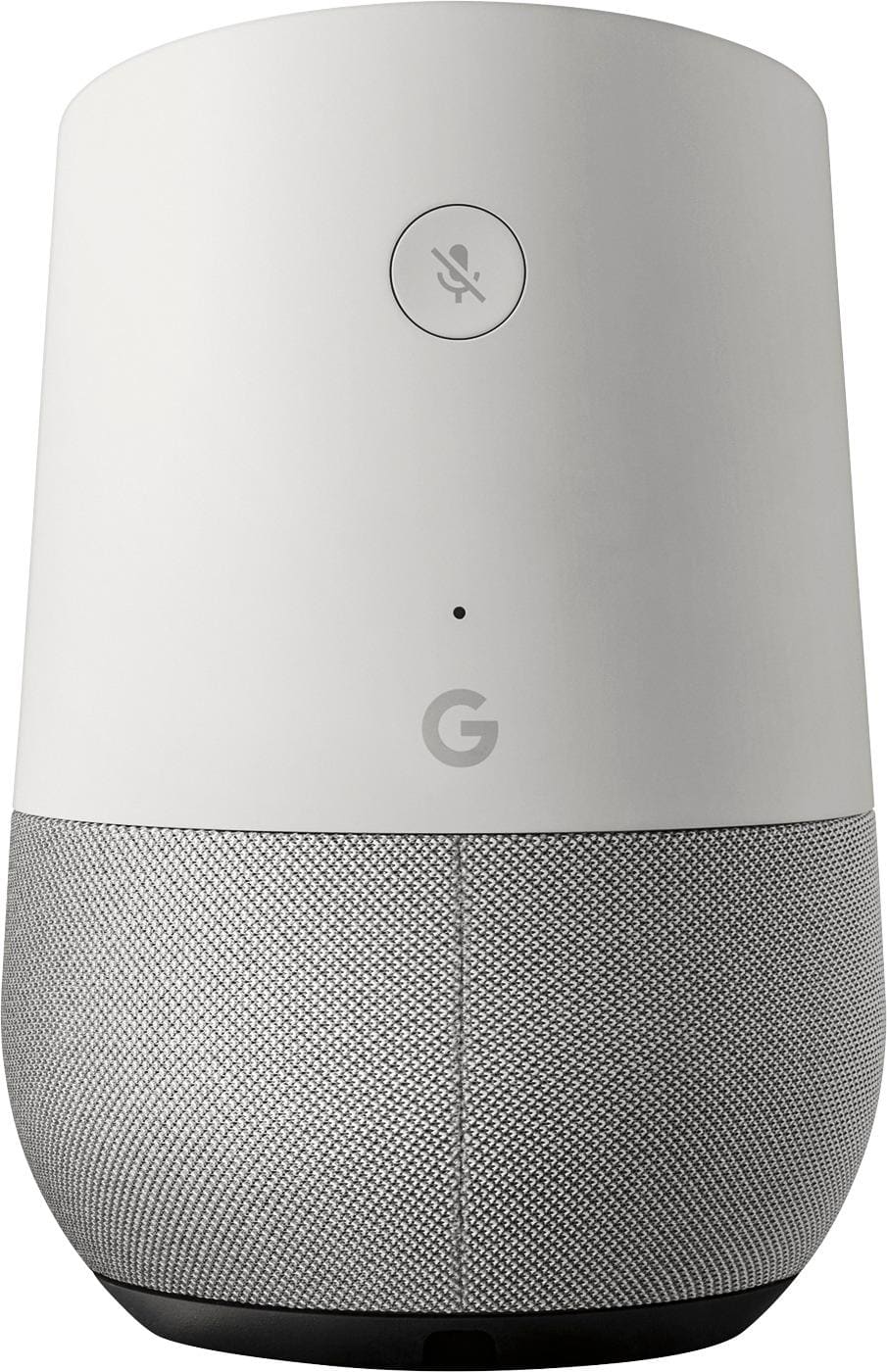
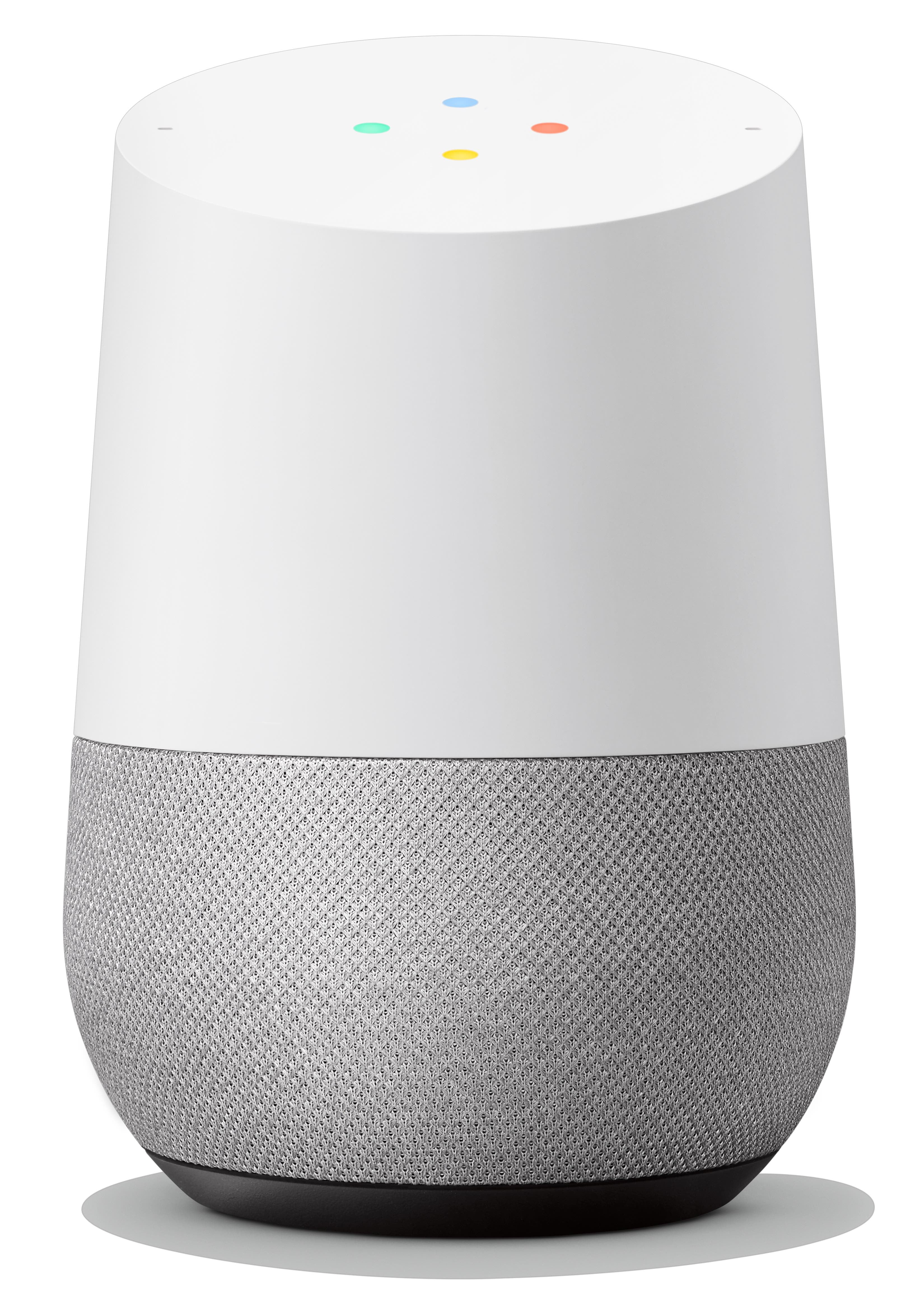
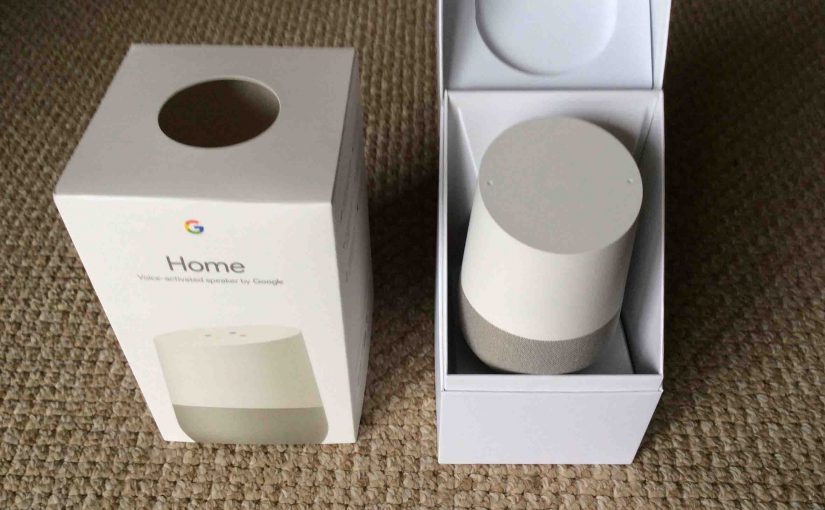
Before you begin, make sure you have the right equipment. You'll need a Google Home speaker, a smartphone or tablet, the Google Home app, a Google account, and a secure Wi-Fi internet connection. Once you have everything, follow these steps to set up your Google Home:
- Plug in your Google Home speaker to a power source.
- Download and install the Google Home app on your smartphone or tablet.
- Open the Google Home app and follow the on-screen instructions to create a new Google account or sign in to an existing one.
- Connect your Google Home speaker to your Wi-Fi network.
- Follow the in-app instructions to link your Google account to your Google Home speaker.
Configuring Your Google Home Speaker
Once you've set up your Google Home speaker, it's time to configure it to your liking. Here are some key features to explore:
- Multi-Room Audio: Use the Google Home app to set up different rooms and connect multiple speakers to create a seamless audio experience throughout your home.
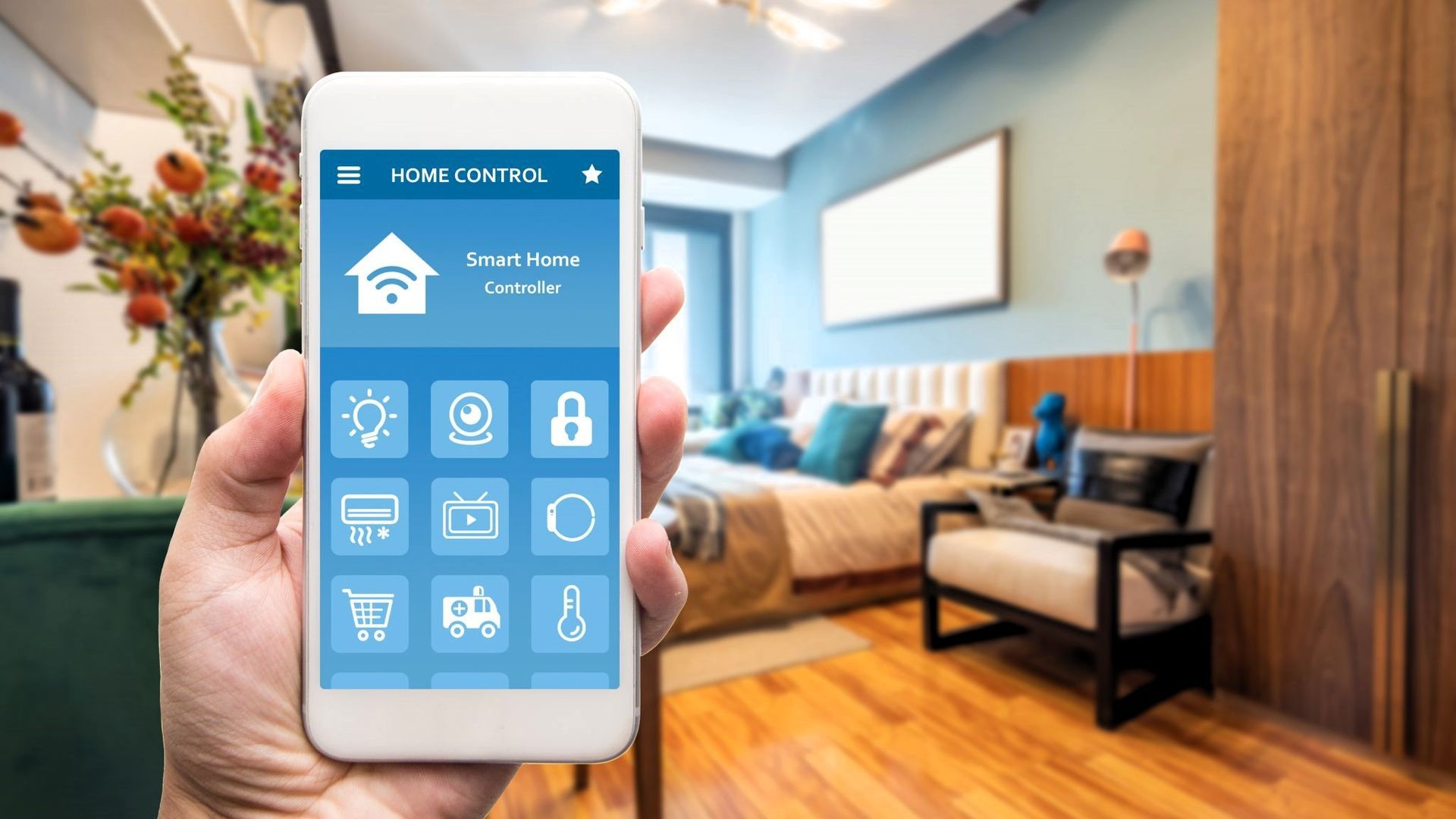
- Smart Home Devices: Connect your smart home devices, such as lights, thermostats, and security cameras, to control them with voice commands.
- Google Assistant: Meet Google Assistant, the intelligent assistant that can perform tasks, answer questions, and more with just your voice.
- Music and Video: Stream your favorite music and videos from services like YouTube, Netflix, and Google Play Music.
Advanced Features and Settings
Want to get the most out of your Google Home speaker? Explore these advanced features and settings:
- Customization: Personalize your Google Home experience with custom voices, languages, and more.
- Advanced Settings: Access advanced settings to adjust Wi-Fi and Bluetooth settings, update software and firmware, and troubleshoot connectivity issues.
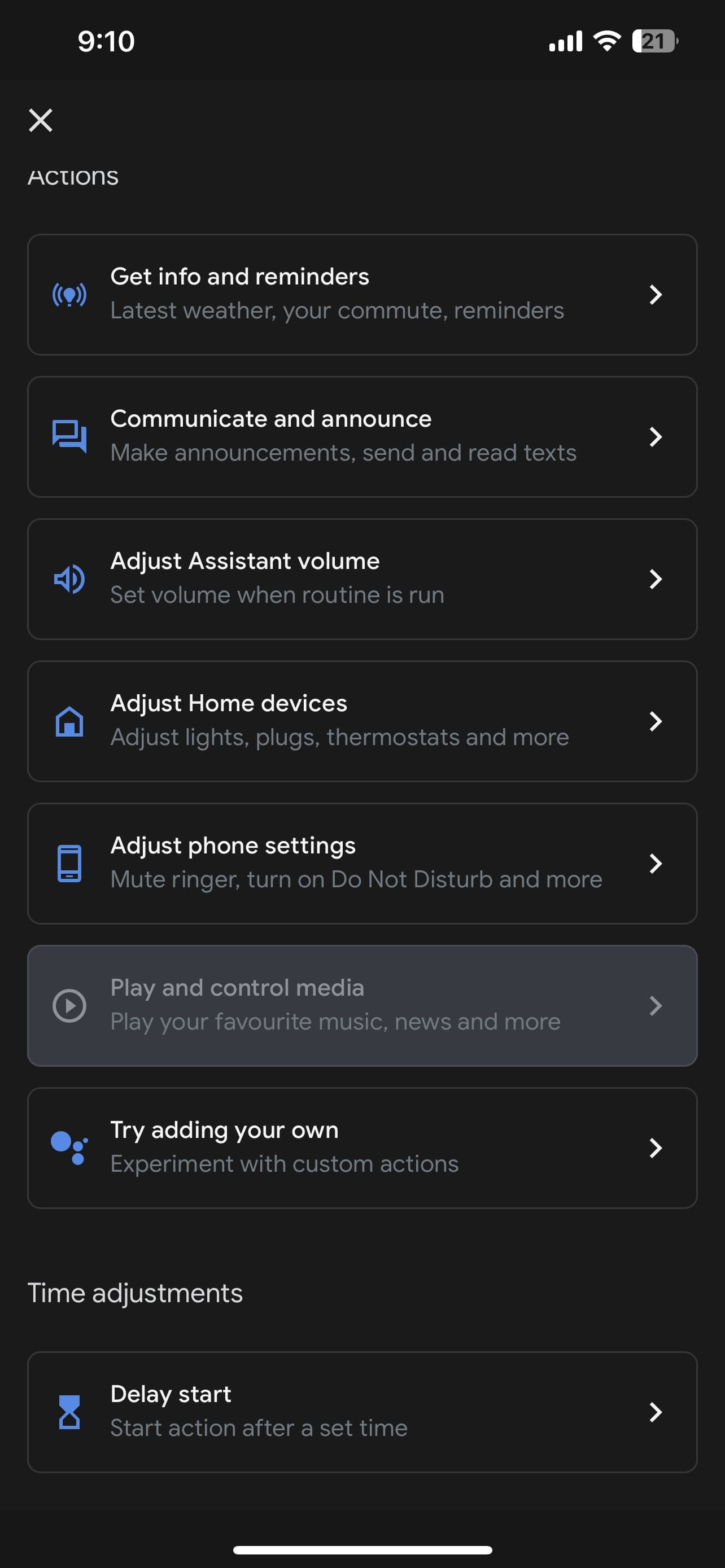
- Home Automation: Use Google Home to control your smart home devices and create custom automations.
Pairing Multiple Speakers
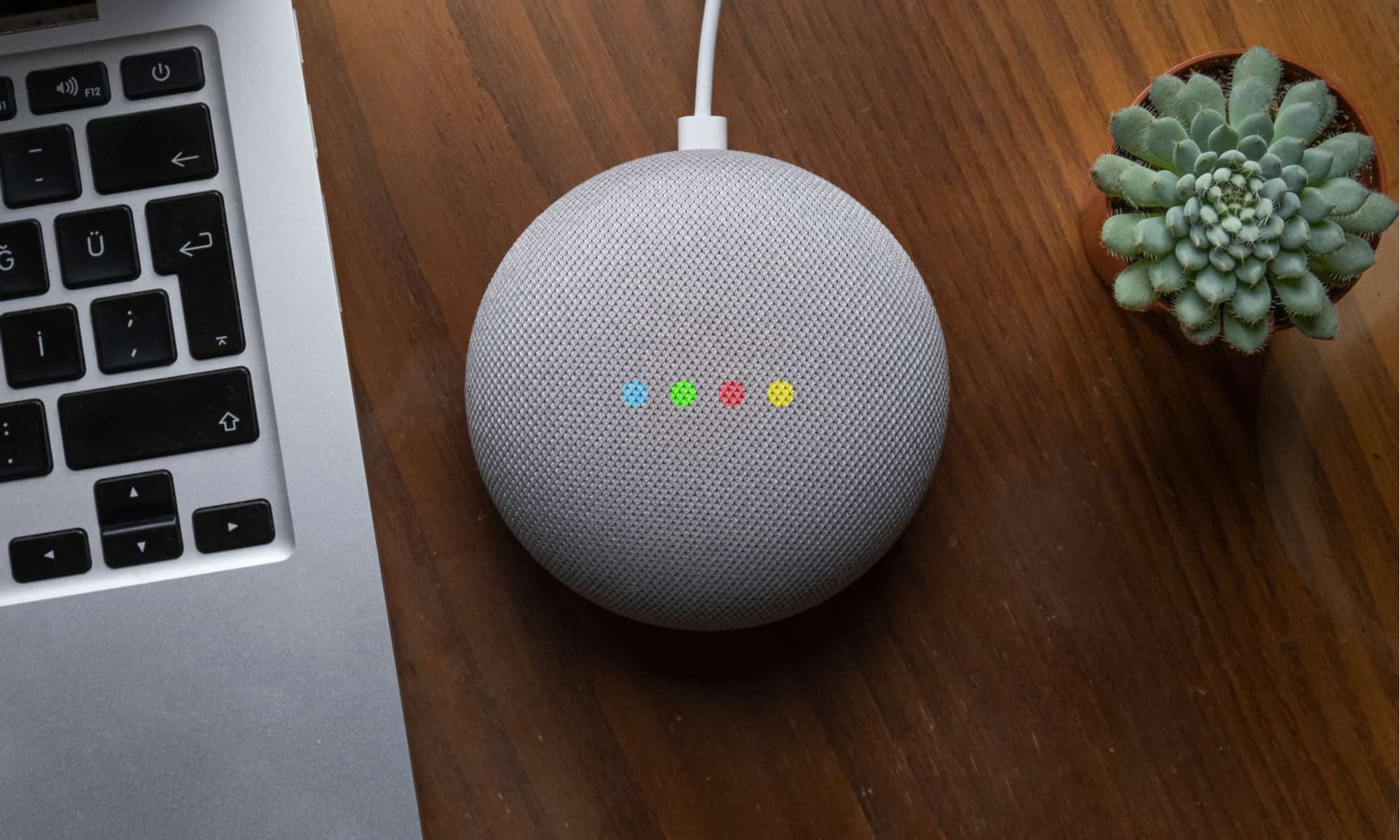
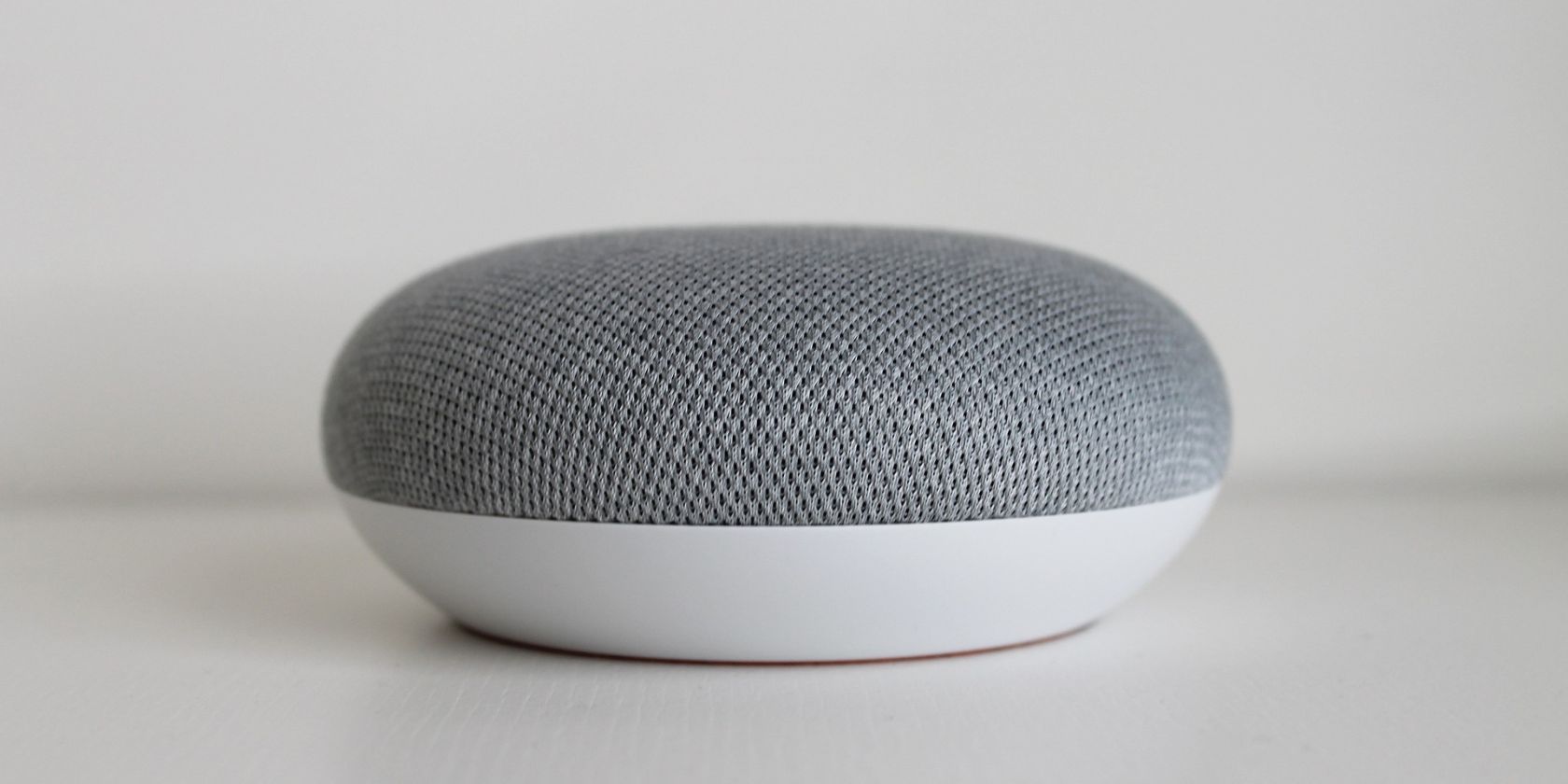
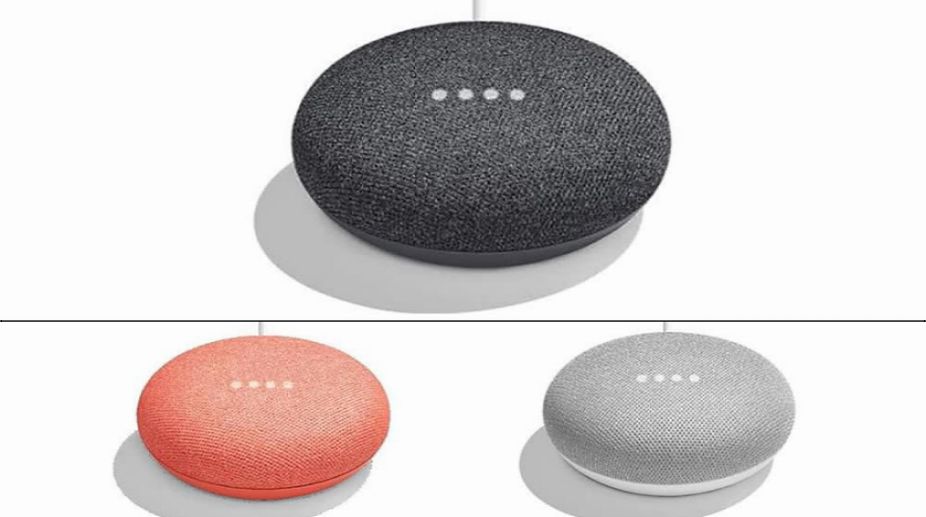
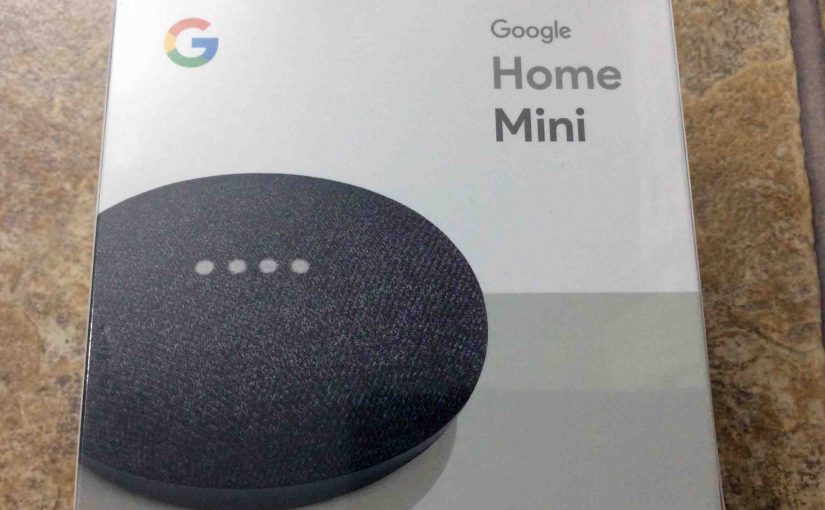
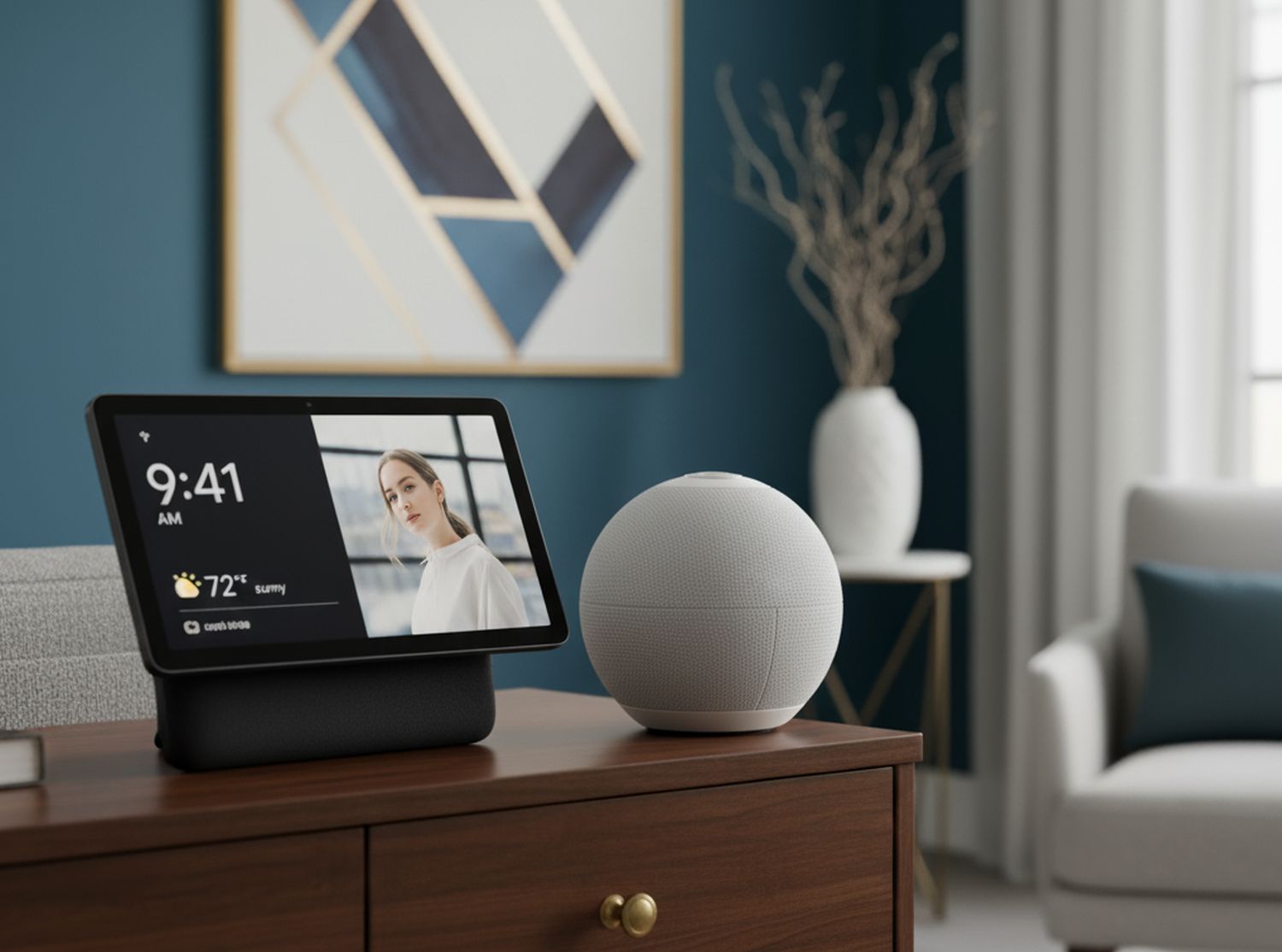
Want to create an immersive audio experience? Pair two Google speakers to set up stereo sound. Stereo sound pairing is available on Google Home, Google Home Mini (1st gen), Google Home Max, Google Nest Mini (2nd gen), and Google Nest Audio.
Common Issues and Troubleshooting
Having trouble setting up or using your Google Home speaker? Check out our troubleshooting guide to resolve common issues and get back to enjoying your smart home experience.
Conclusion
Configuring Google Home for smart speakers is easier than ever with these simple steps and advanced features. Take the next step and start experiencing the convenience and innovation of Google Home for Smart Speakers today!
Final Tips and Recommendations
Looking for more tips and recommendations for setting up and using your Google Home speaker? Check out the following resources:
- Google's official support page for setting up Google Home.
- Google's community forums for Google Home.
- Third-party reviews and tutorials for Google Home.